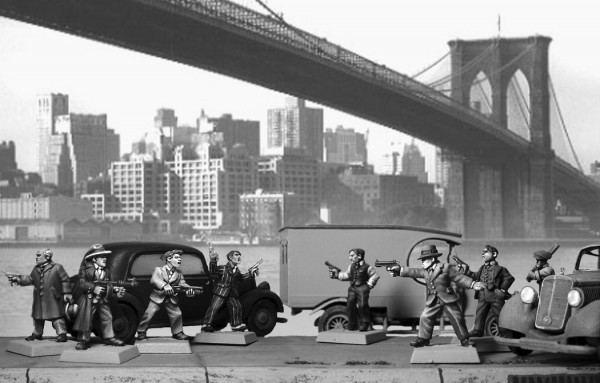
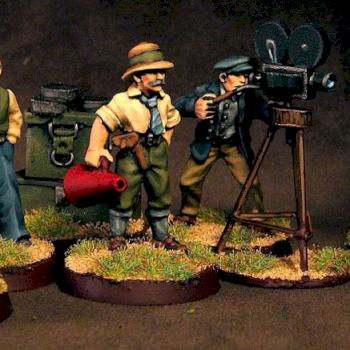
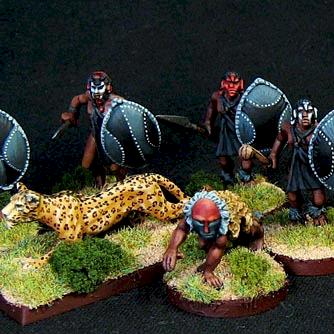
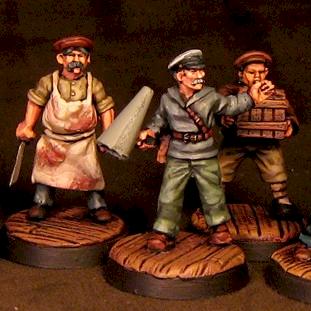
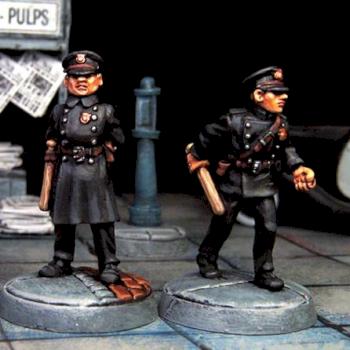
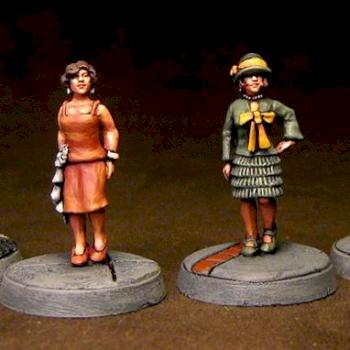
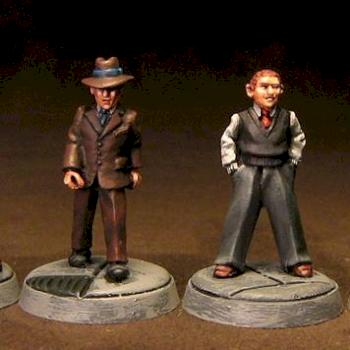
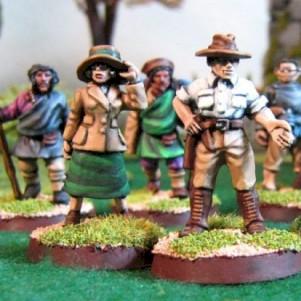
Hey, everybody- Thanks for the compliments. Some of you have asked for close ups of the individual minis in this and my newsstand picture. Unfortunately, I don't own a digital camera- these photos were taken by a friend of mine on my behalf. I CAN tell you how I did the grays though-sort of: There's a couple ways. One: Set up a color palette on Photoshop (or any other paint program you may have; be sure to label each color. Then change the file type to black and white. Then you will see (the computer's) interpretation of those colors in grayscale.
Two: Watch some old black and white movies for inspiration- I watched the movies more to get the skin tones as best I could. You'll find the skin the hardest part of painting in grayscale-(I did anyway.) You could also just "go." Get yourself a selection of grays and just start painting- darks first and then lighter for your highlights. Make sure they are the same temperature (color-wise, not heat-wise.); GW grays vary between warm and cold- so choose one and stick with it. I use Reaper paints, specifically (from darkest to lightest) Dragon black, Armor gray, Ash gray, granite and dove gray. I also mixed a custom gray between the ash and the granite since there was a noticeable jump in the lightness values of those two grays.
Despite the grays you use, painting in grayscale really is an excersise in shading, highlighting and contrast. It's not much different from painting your minis in color- you just use all grays.
Currently I am trying sepia-toned painting of some old west minis. Whenever I get a camera, I will for sure get some detail shots for you all. Heck- I'd even be willing to do a grayscale tutorial blog. But that's a little ways off yet. Have fun trying your hand at grayscale! It's easier than it looks, and a nice refresher from painting from the rainbow all the time.
Let me know how it turns out! (Just leave a comment for everyone including any ideas you have for improving this technique.) Thanks again for your comments and your votes!

 Vote
Vote