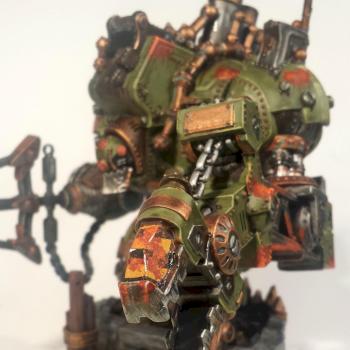
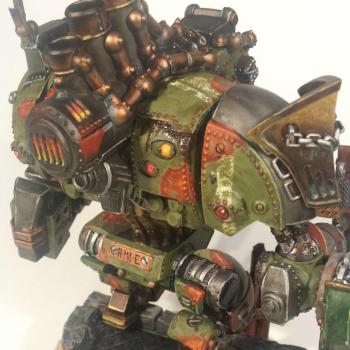
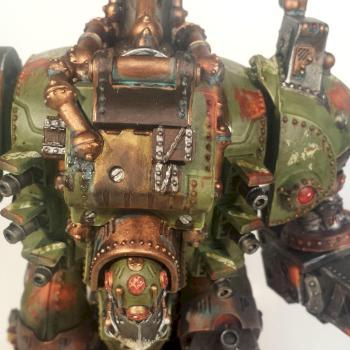
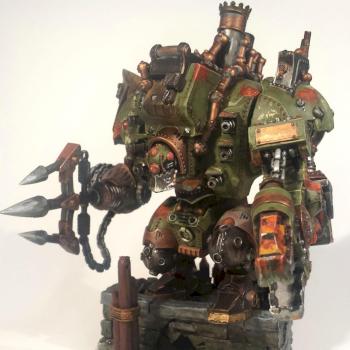
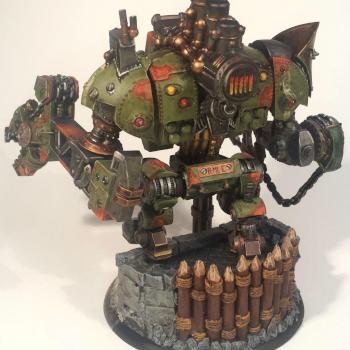
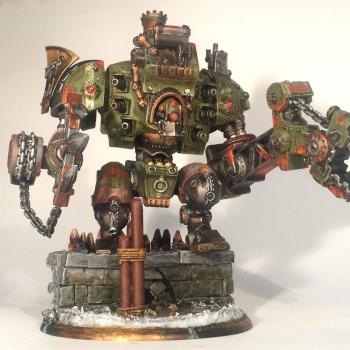
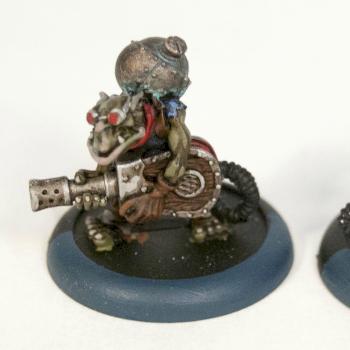
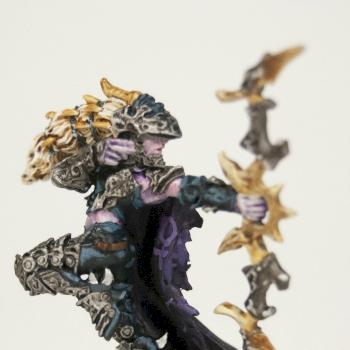
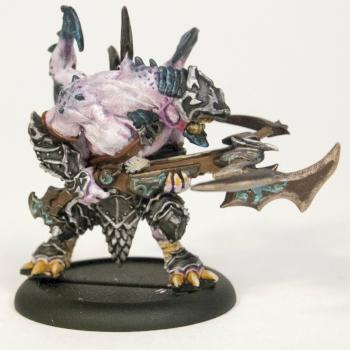
This photo is huge! The details of painted miniatures tend to look a bit rough and jarring when the image is really enlarged. I'd suggest shrinking the image so it's only two or three times as large as the real thing, so the photo gives a better idea of what it looks like in real life. When it's this big, the transition between colours, such as the black and the gray in the cloth at the bottom, can look jarring. I hope you don't mind, but I copied the photo into a paint program on my computer to see what it looks like when resized to a smaller image, and on my 19" monitor, at 350 pixels wide, the model looked pretty good. The gemstones come out really nice, and the brown bits and red lining of the cloak looked good too. Maybe if you applied a black wash to the dark cloth section it might create some more shading/toning between the greys and the blacks to smooth that part out a bit?

 Vote
Vote