Renegade Militia is Back

spyko

New member
Good evening;

Well, I started directly with the photos:

Comments are not banned ...

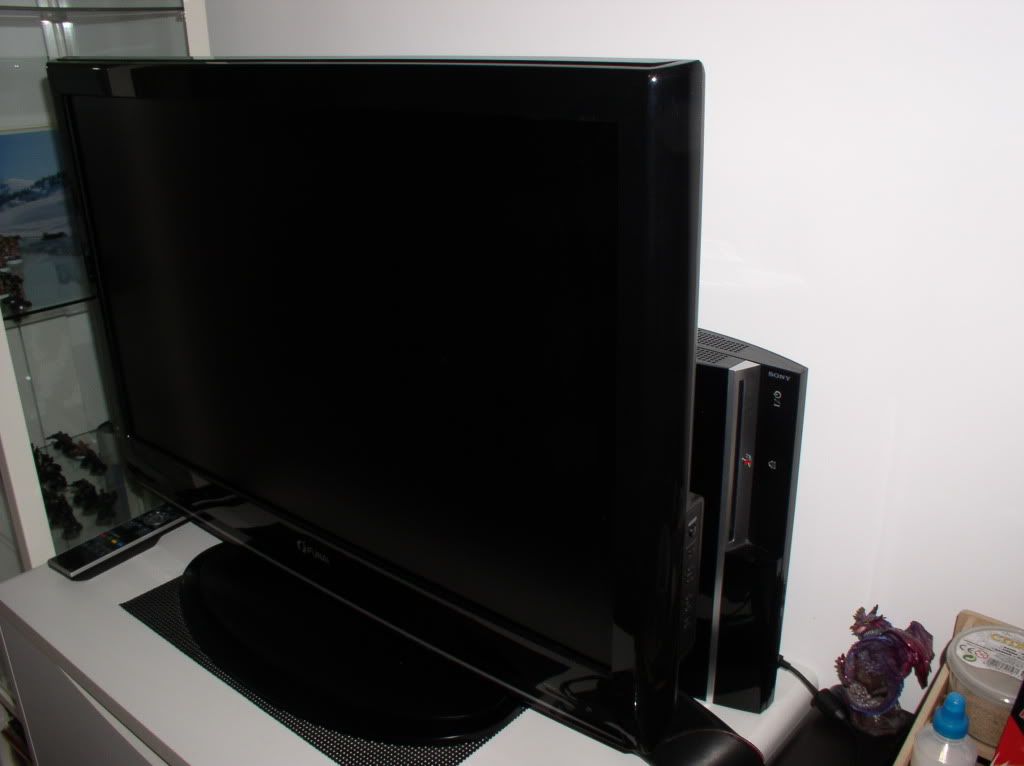
My window:
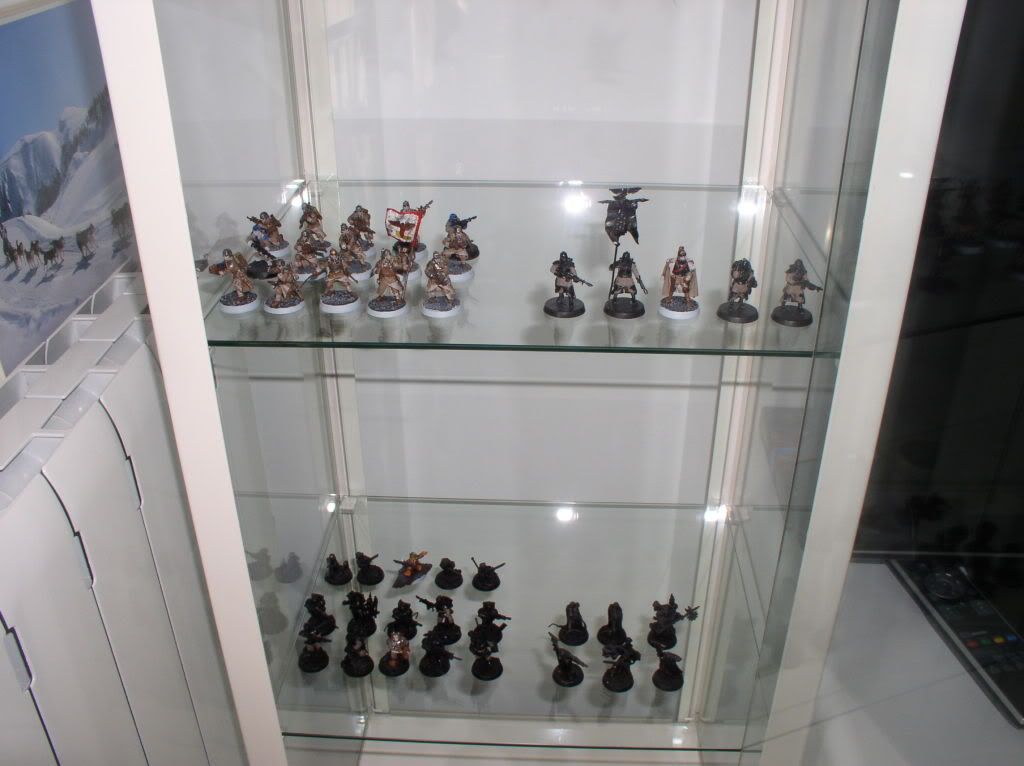
P1010036.jpg


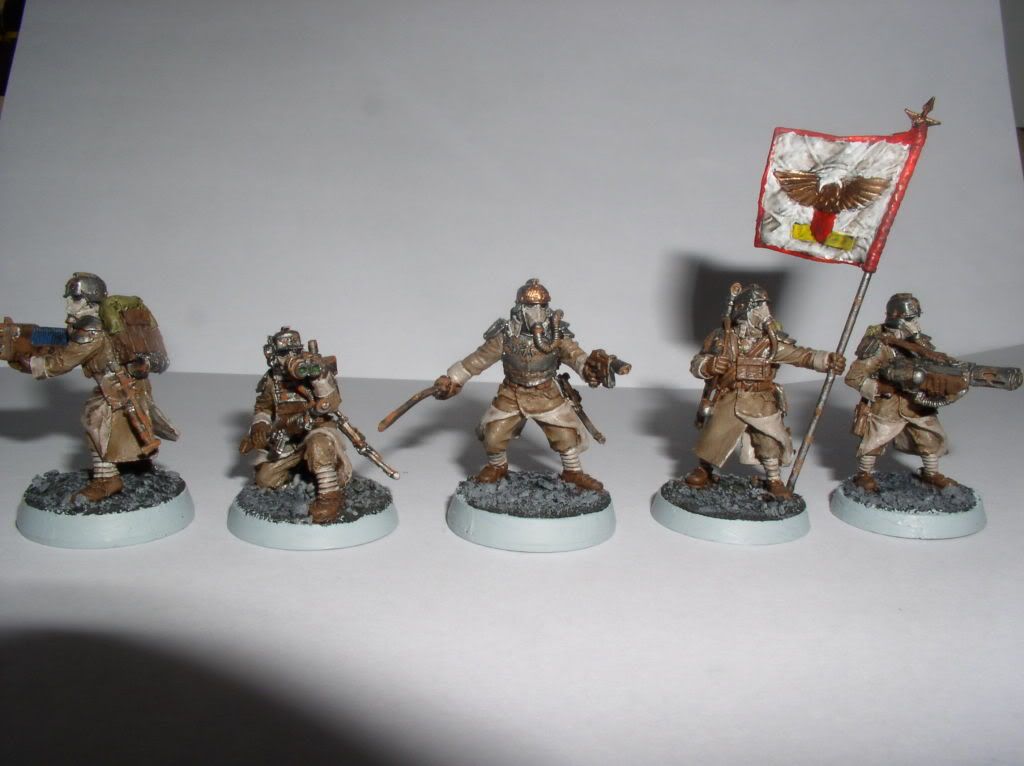
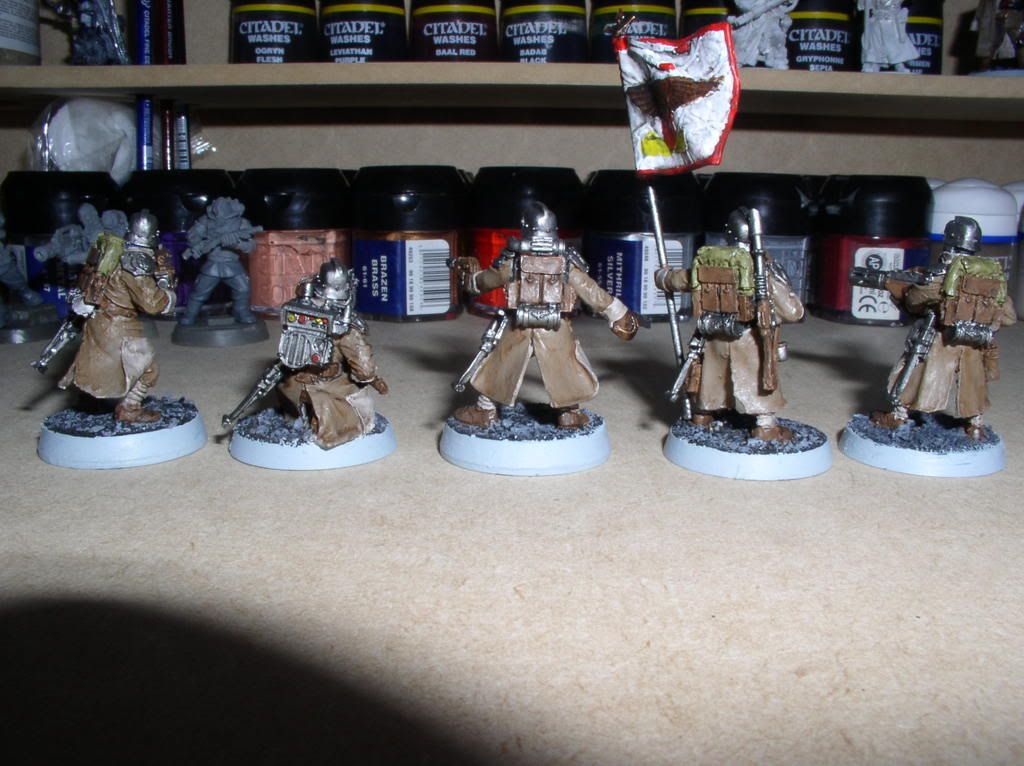
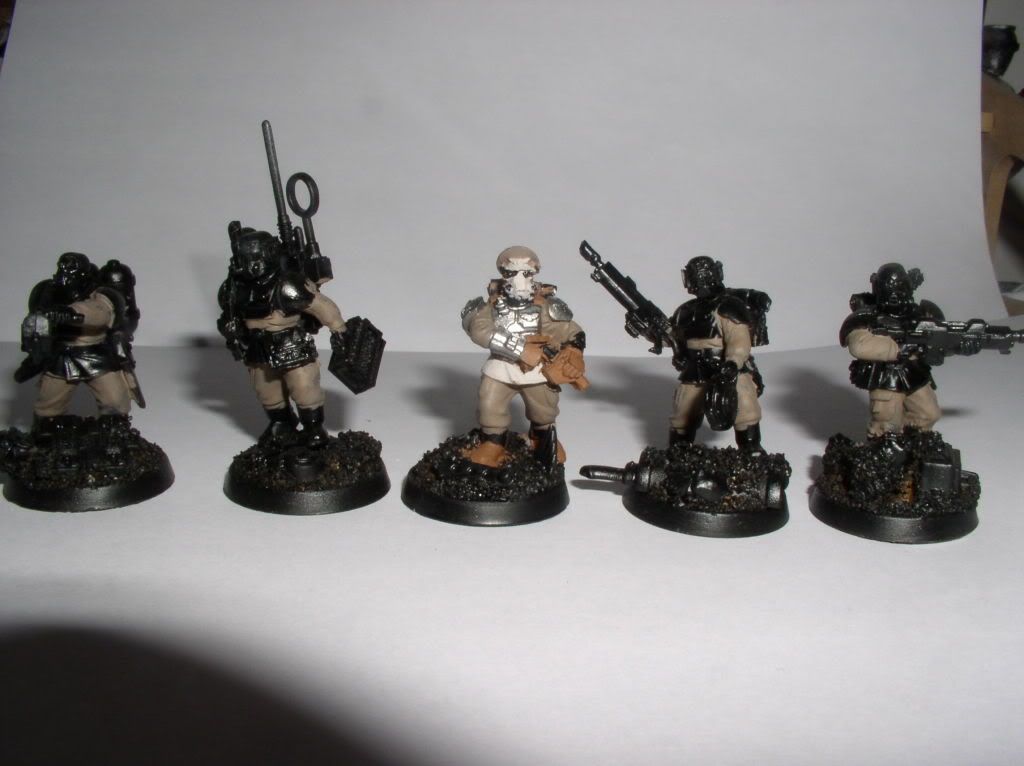
Death Korp command squad :
P1010016.jpg

comcomapgniegroupedos.jpg


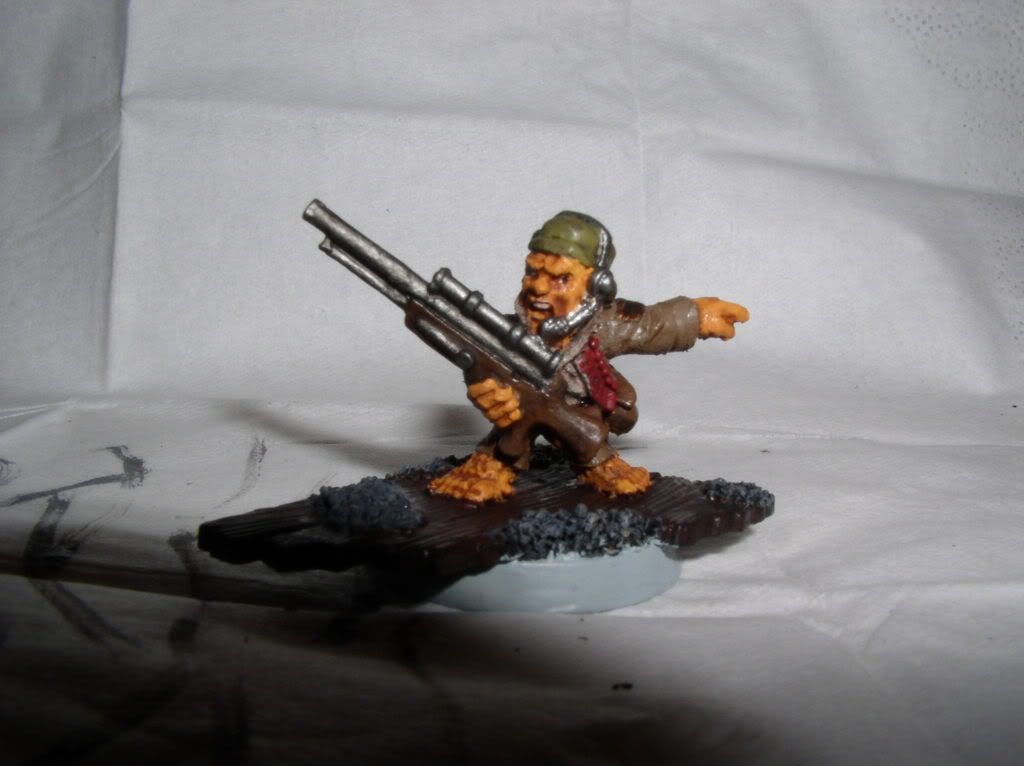
Ralting :
chefratling.jpg


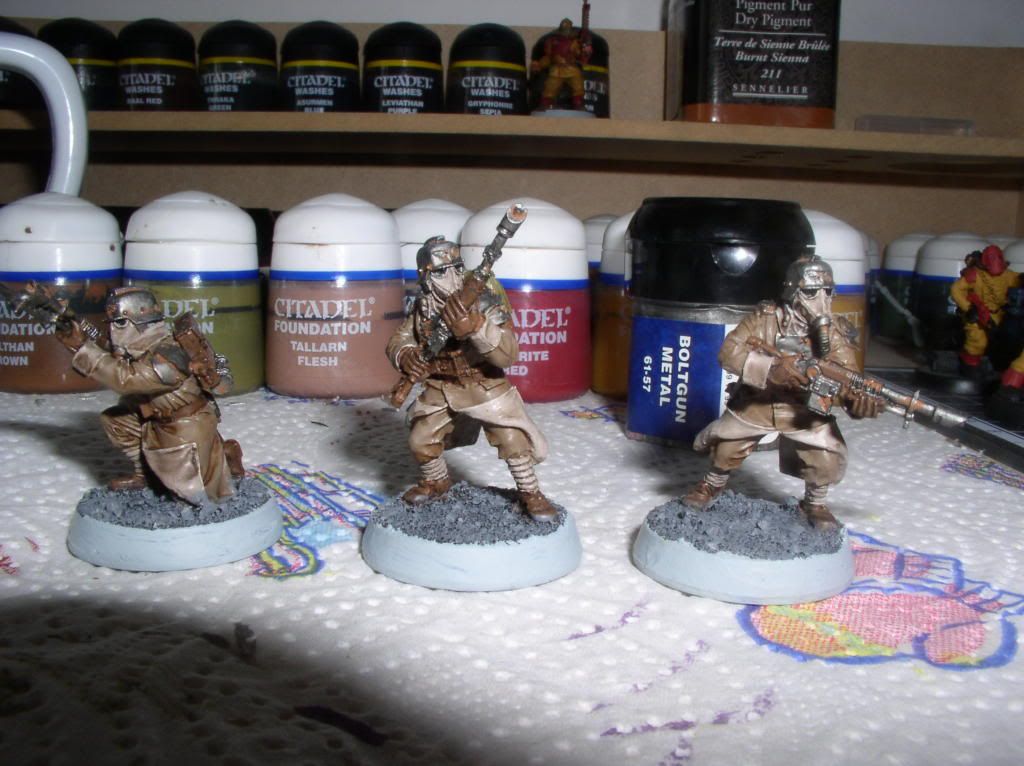
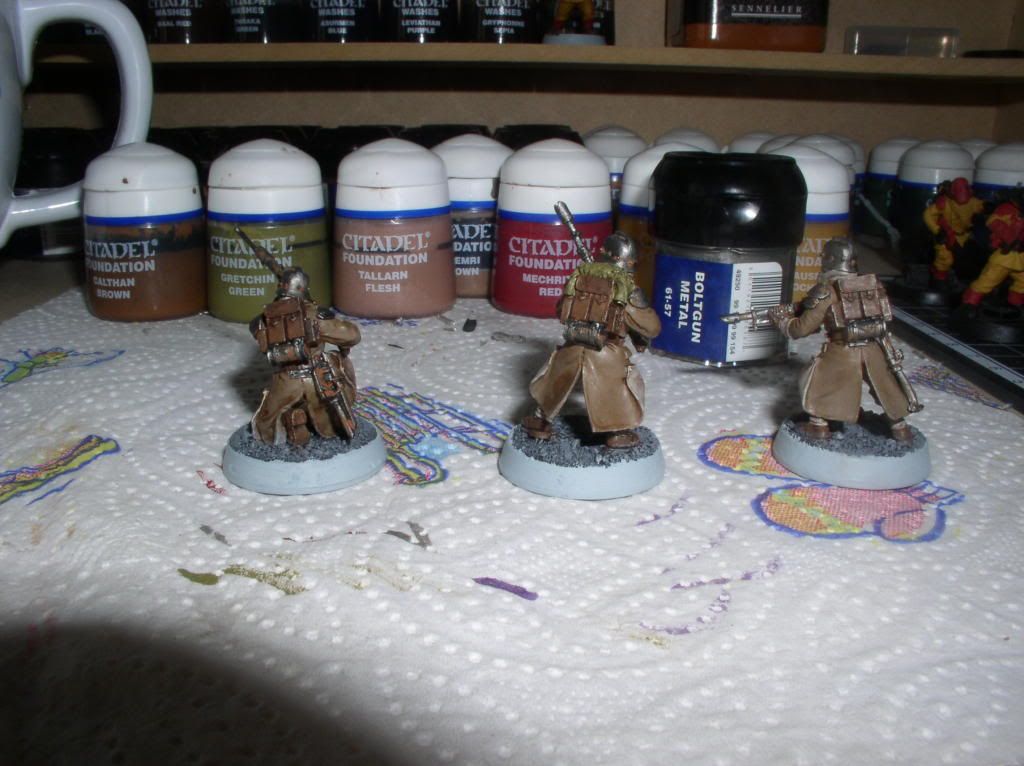
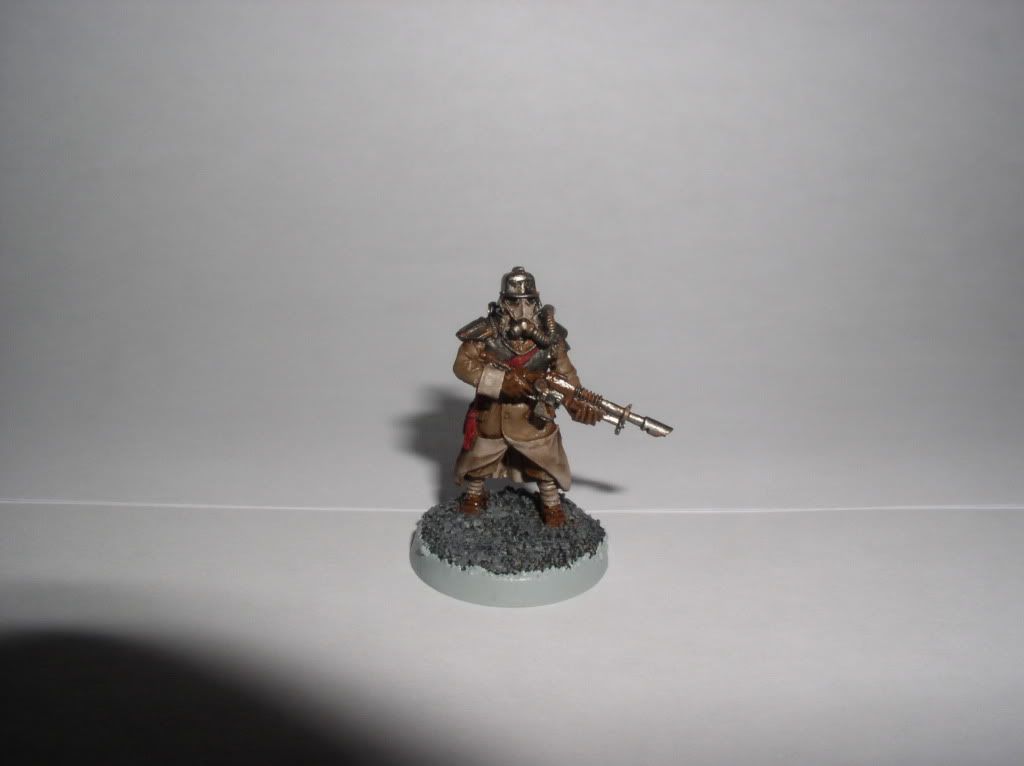
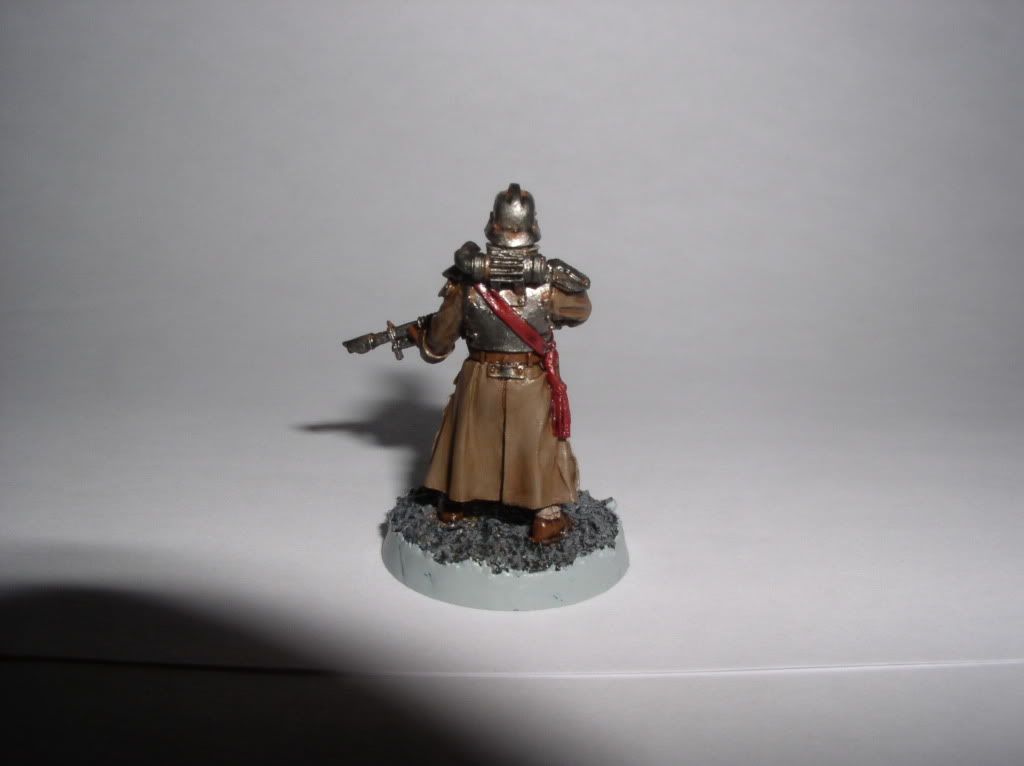
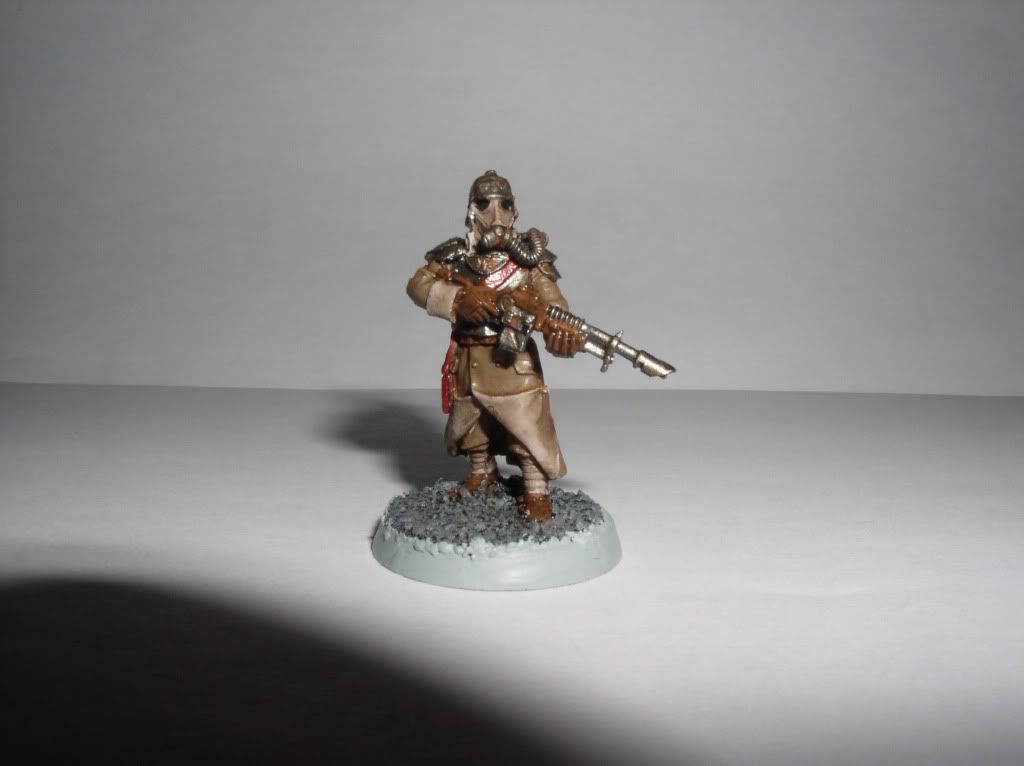
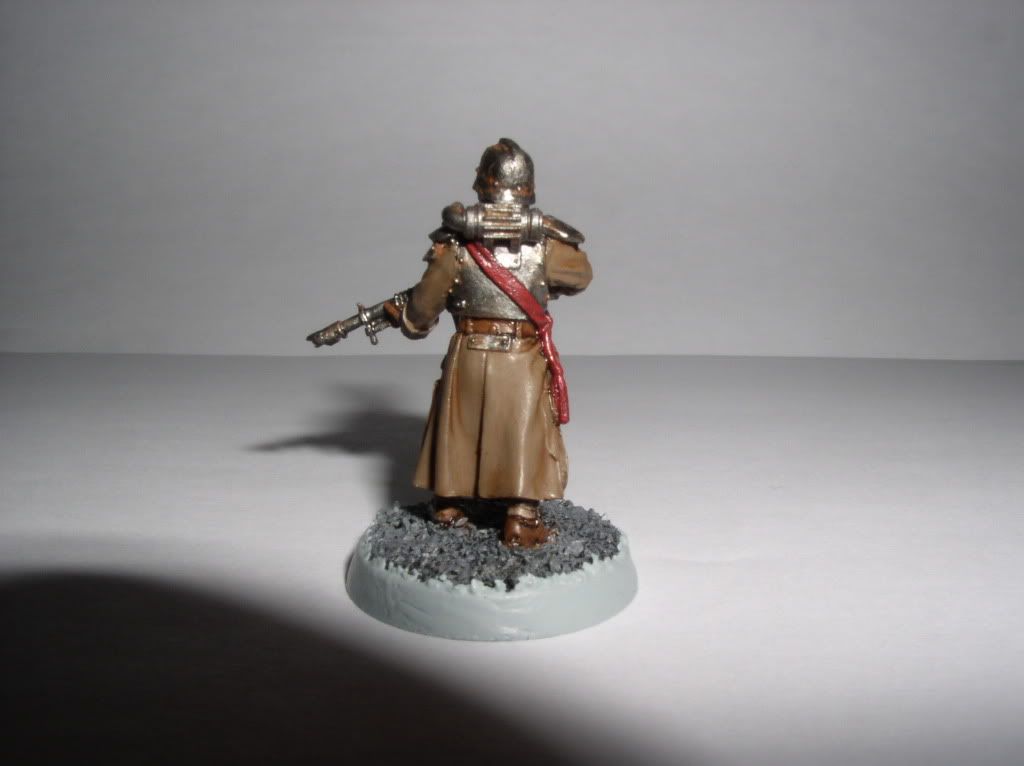
Death Korp firing squad :
P1010013.jpg

P1010034.jpg

P1010035.jpg


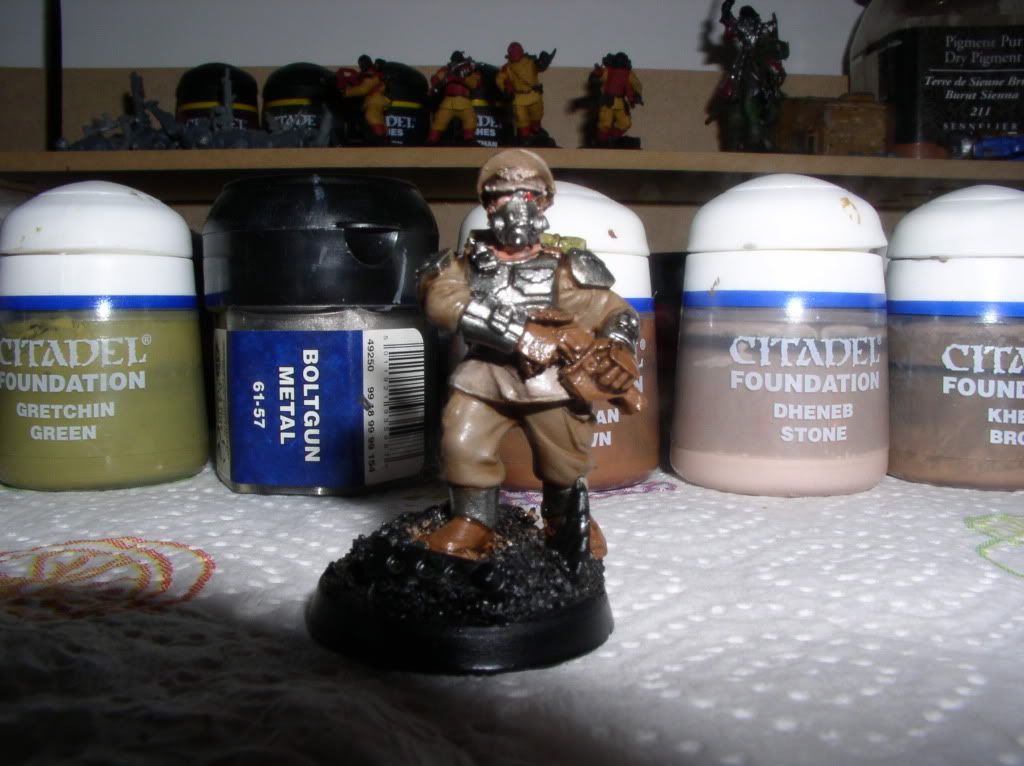
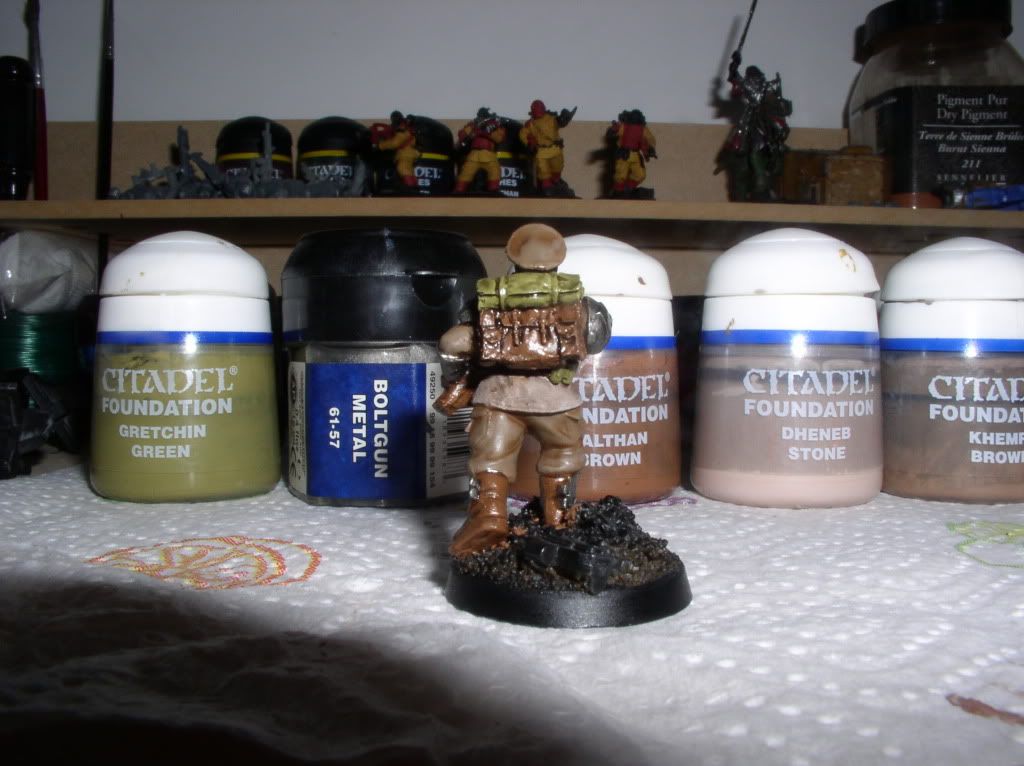
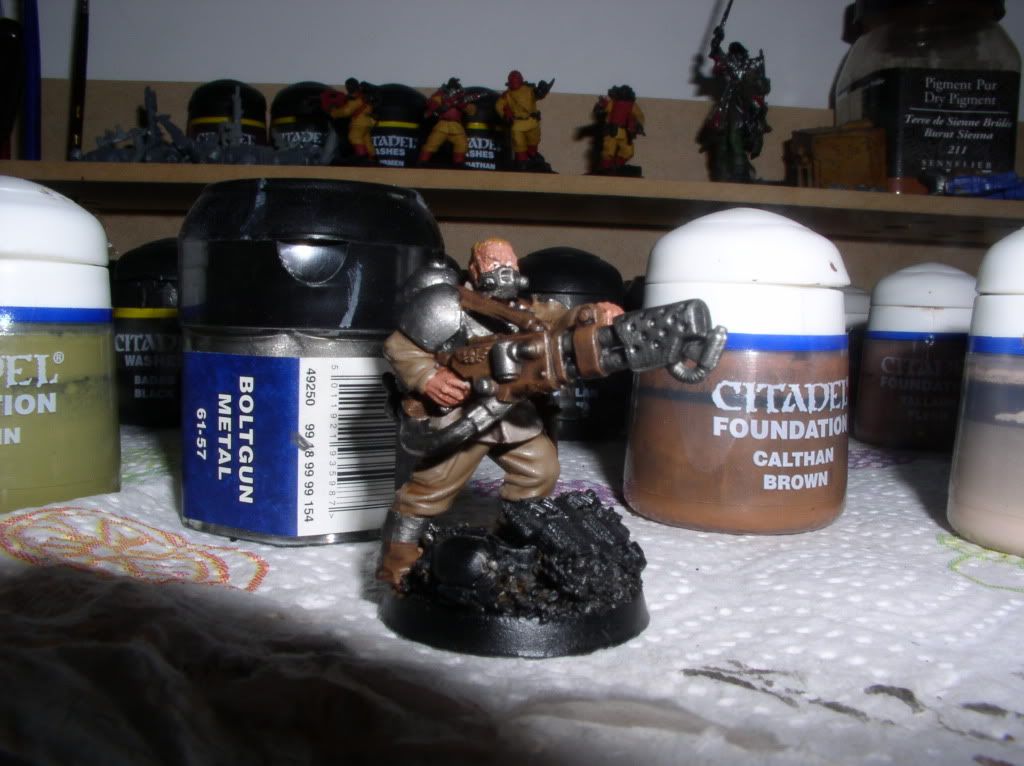
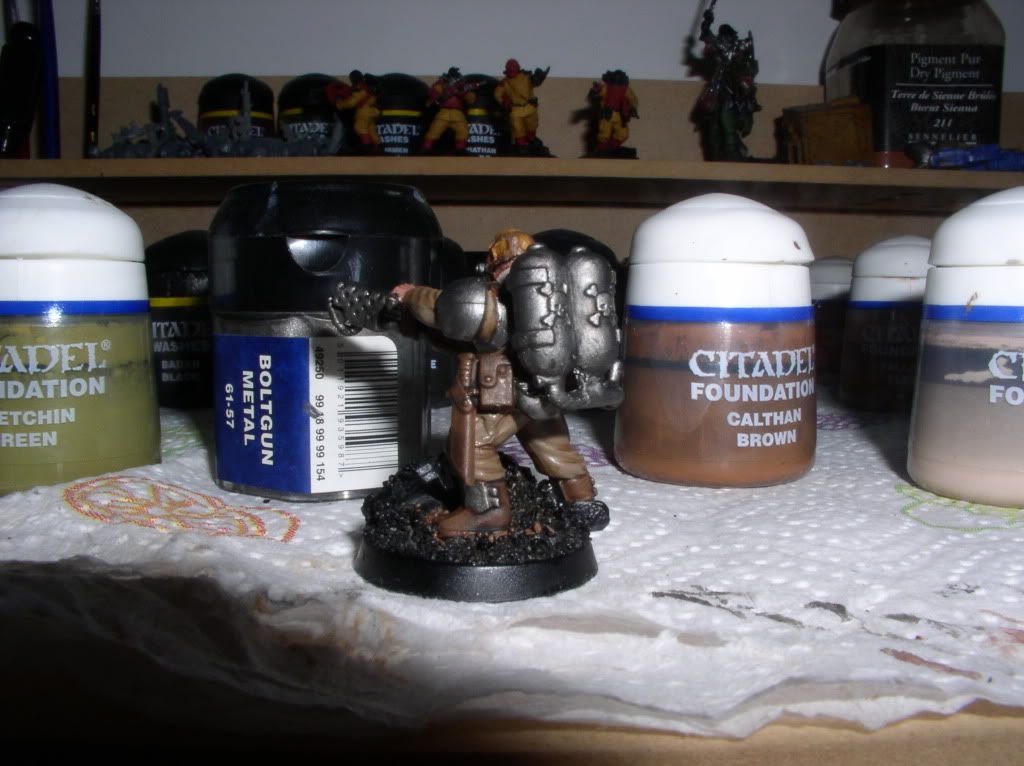
Cadian with respirator :
P1010021.jpg

P1010020.jpg


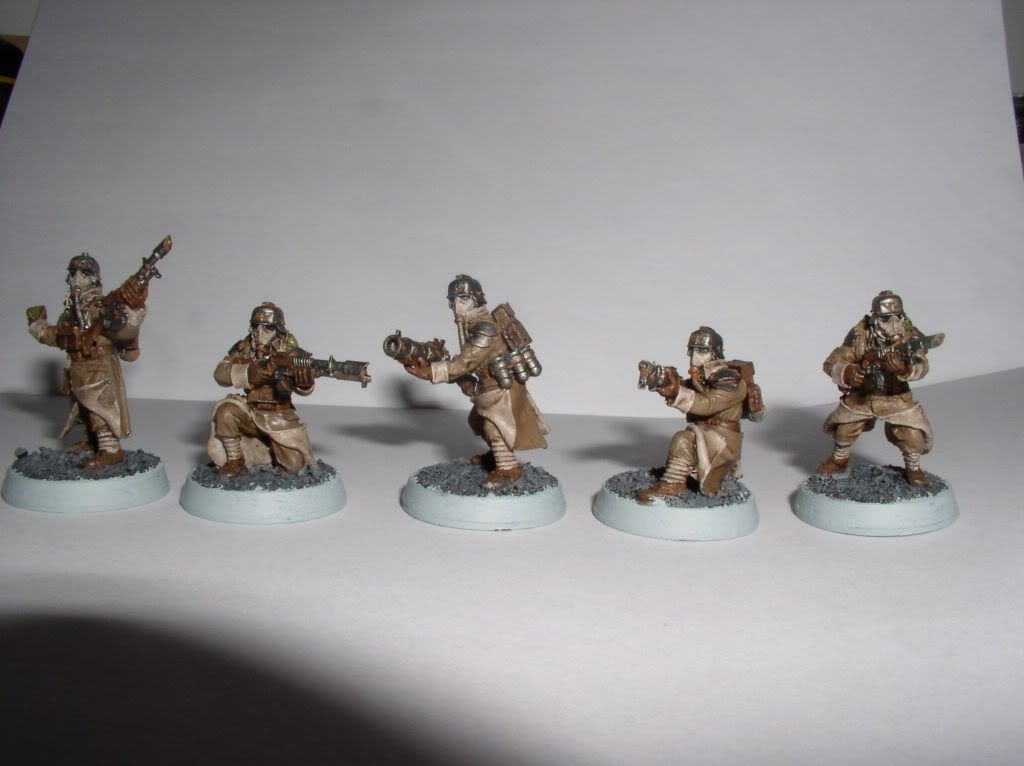
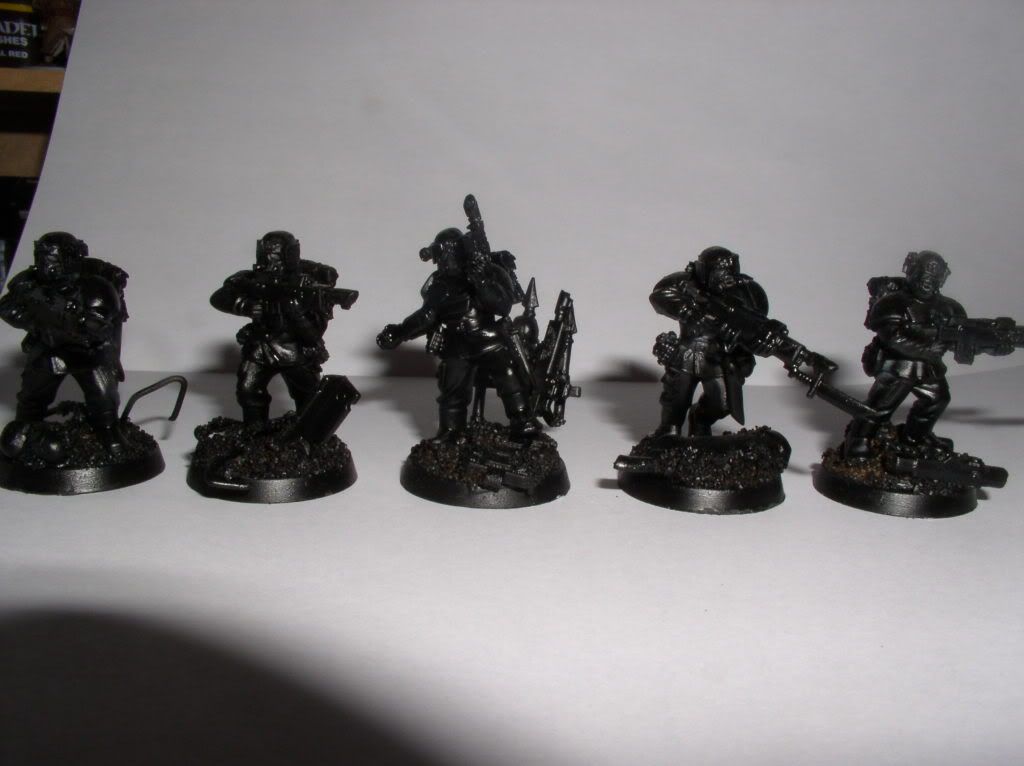
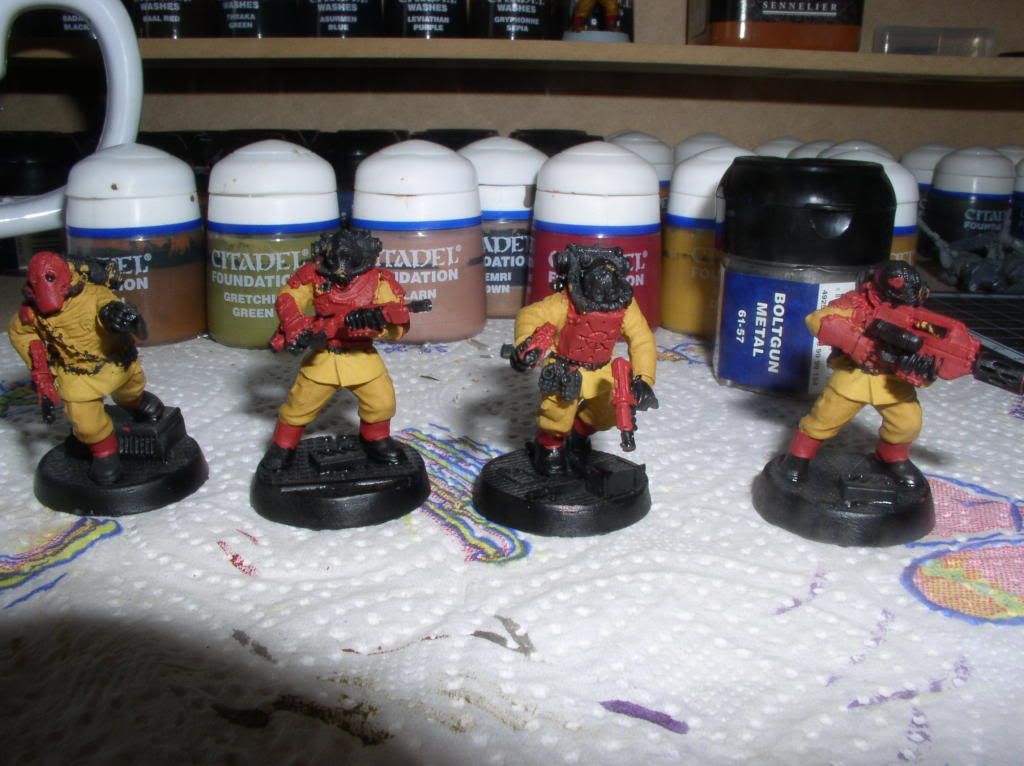
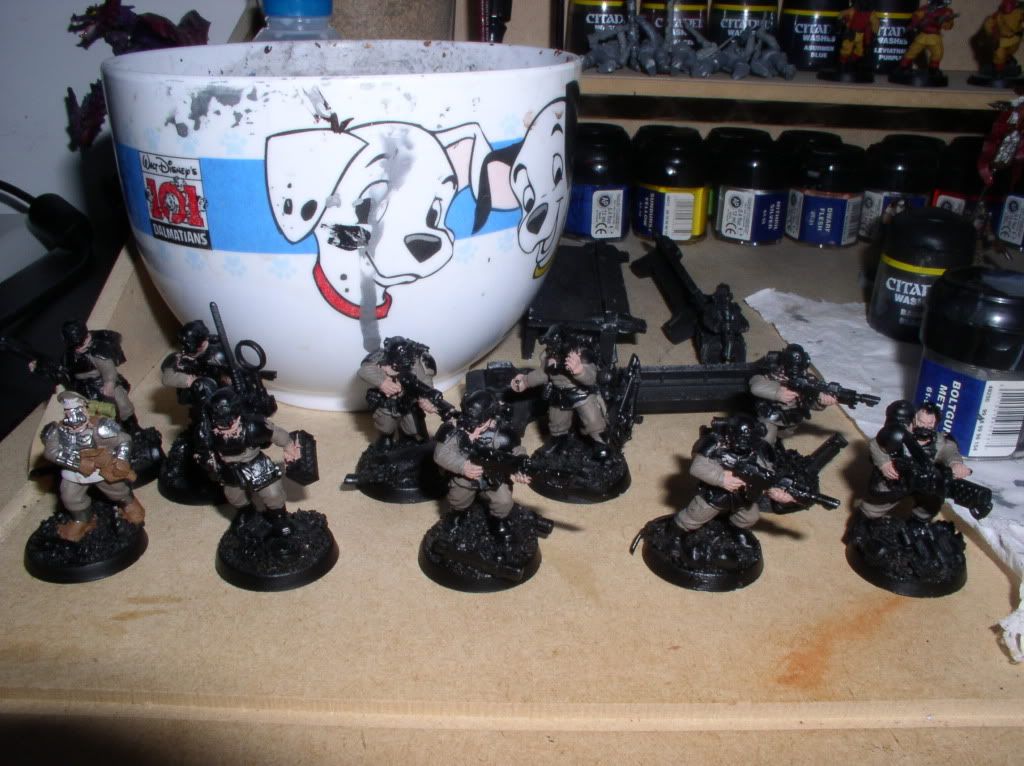
Renegad militia squad :
P1010038.jpg

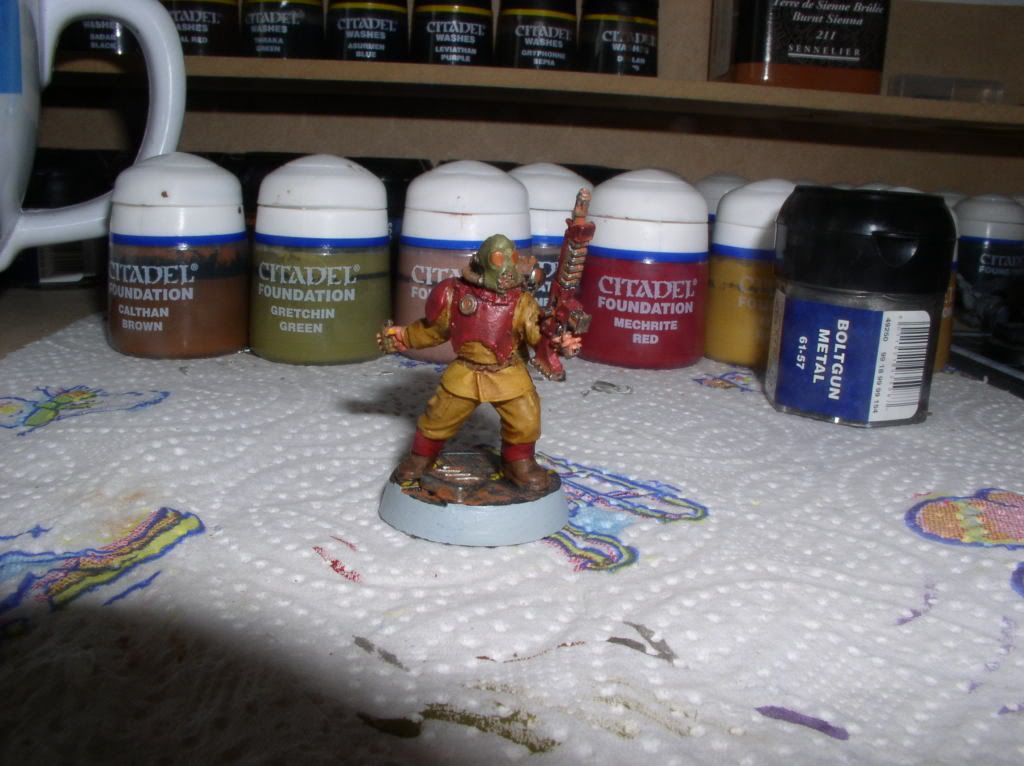
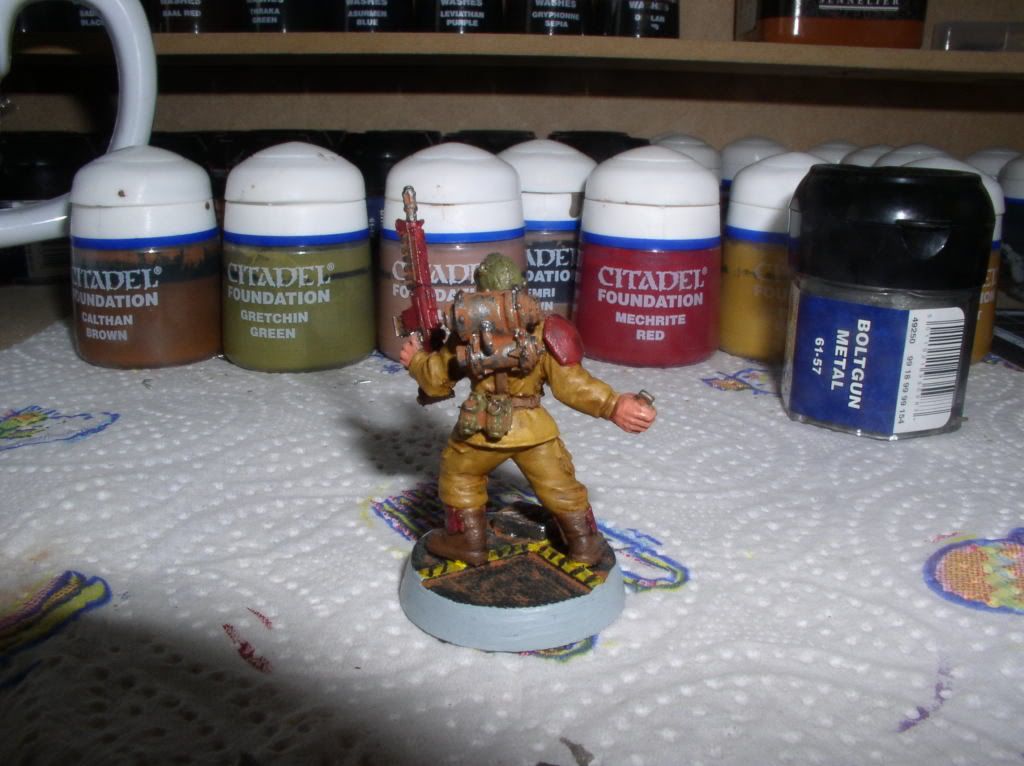
One finish :
P1010039.jpg

P1010040.jpg


Thanks you !

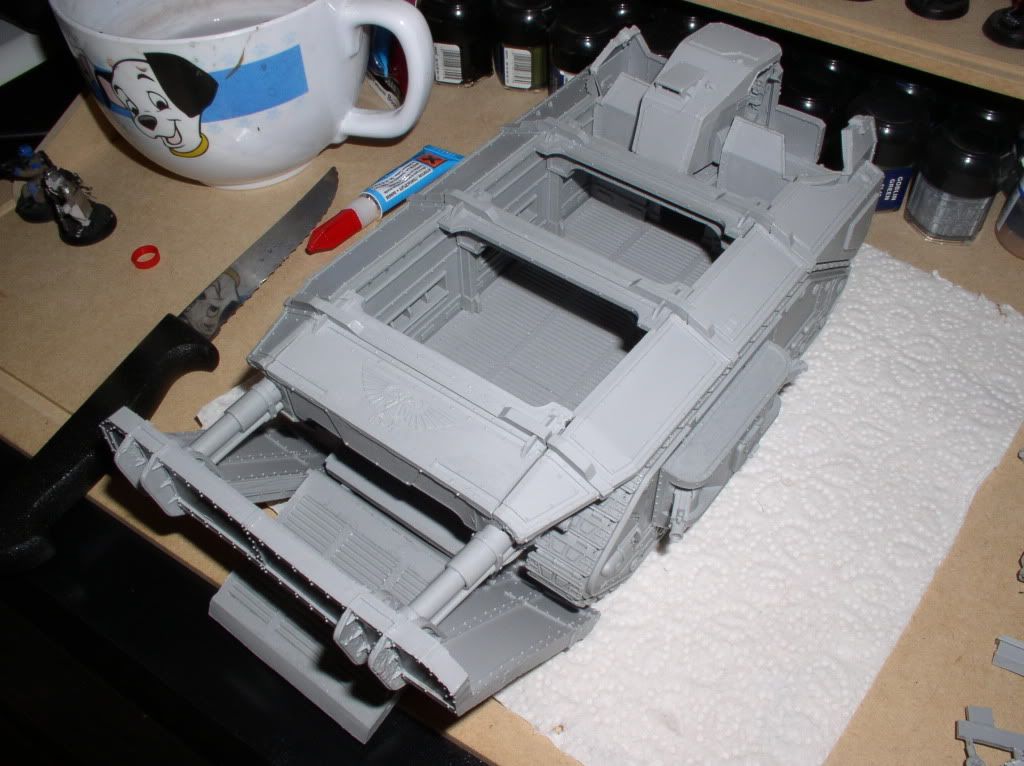
Ps : I will soon receive the Gorgon armored assault.
 

spyko

New member
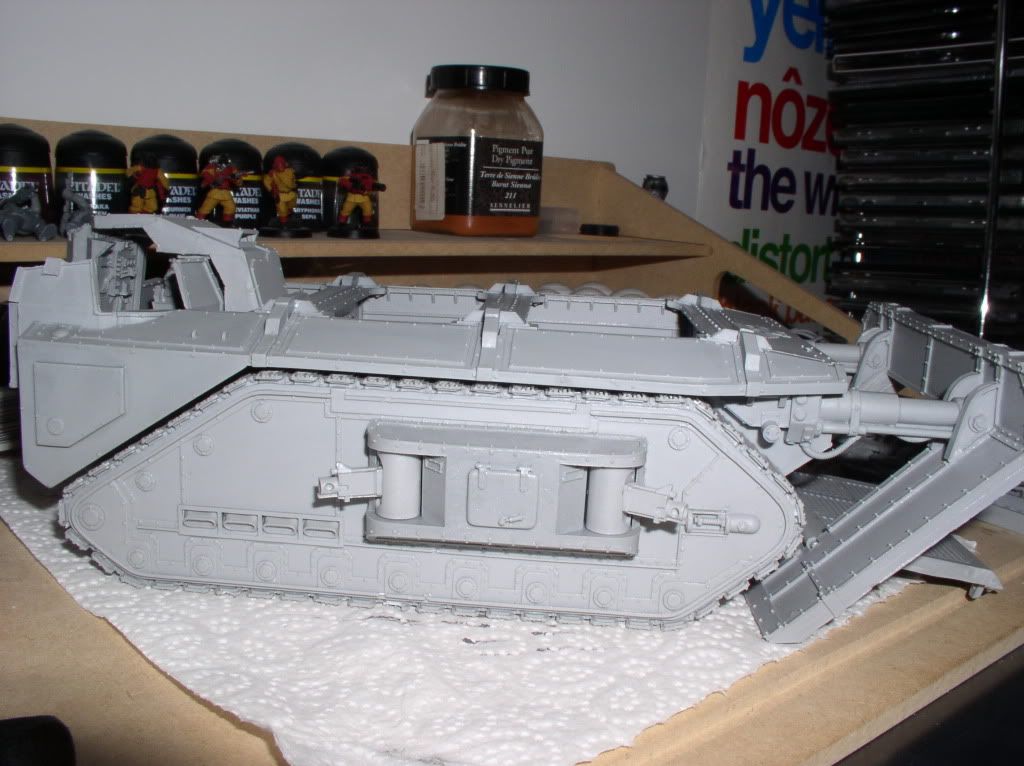
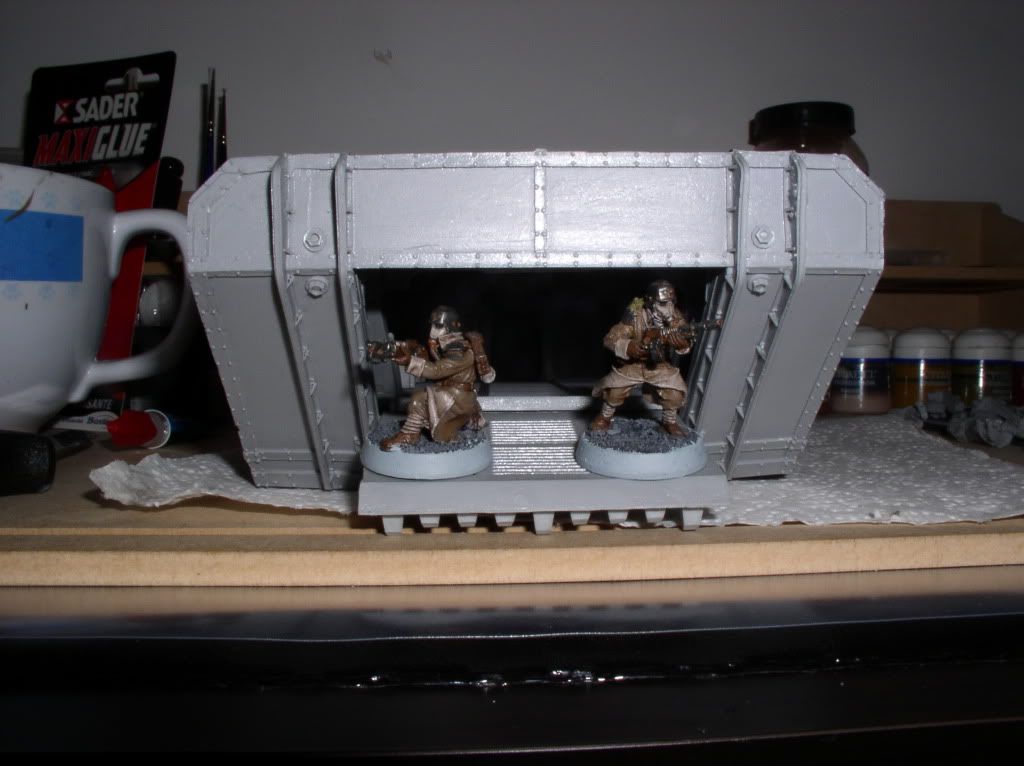
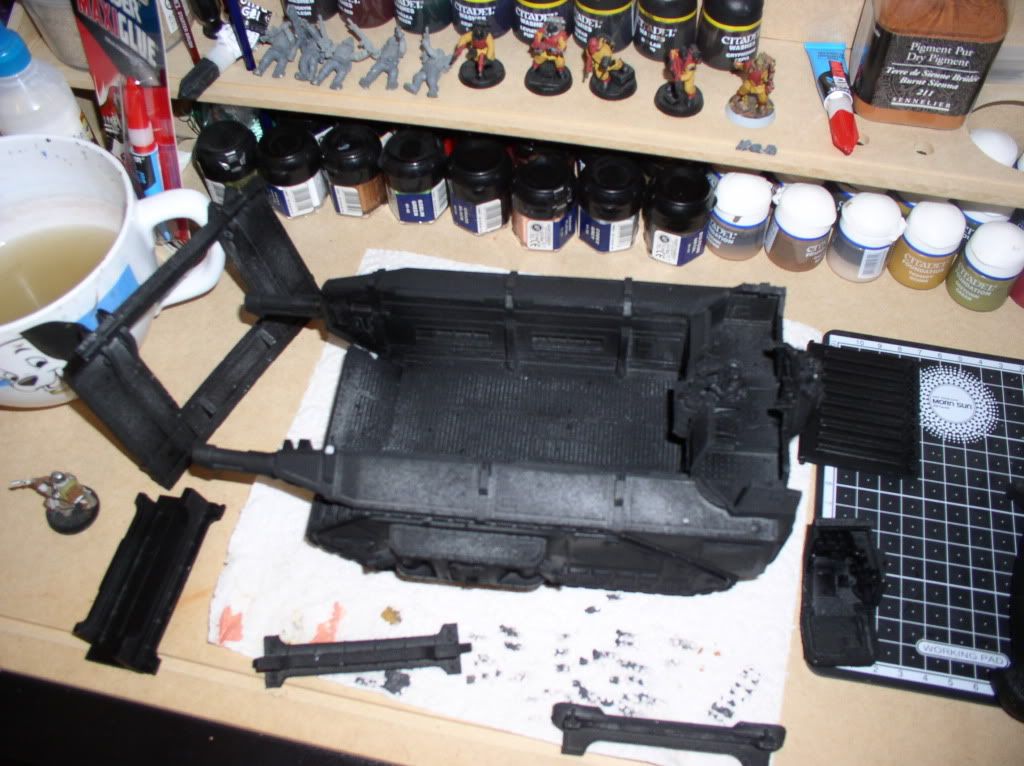
And here is gone up Gorgon (except some parts which are not stuck for paint):

p1010001.jpg


P1010002.jpg


P1010003.jpg


The Space Marines of the Black Reach box (more a dreadnought to re-paint):

P1010004.jpg


Here\'s another painting of dkok and the last of the current squad:

dkokpe.jpg


Thank you.
 

spyko

New member
Good evening;

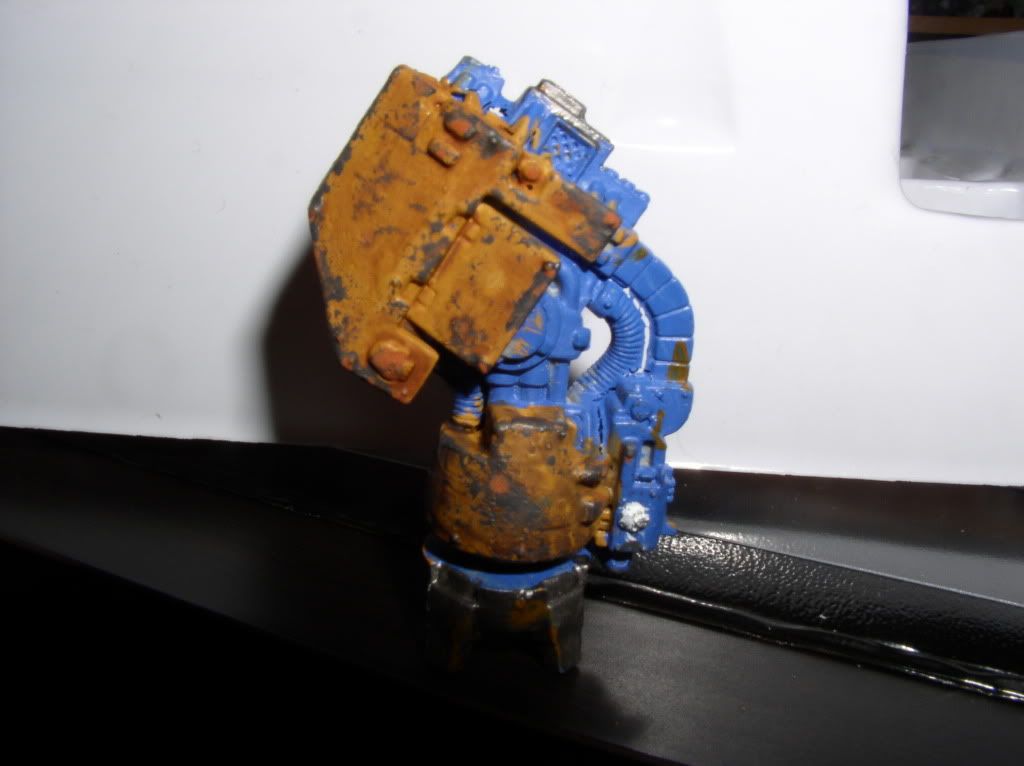
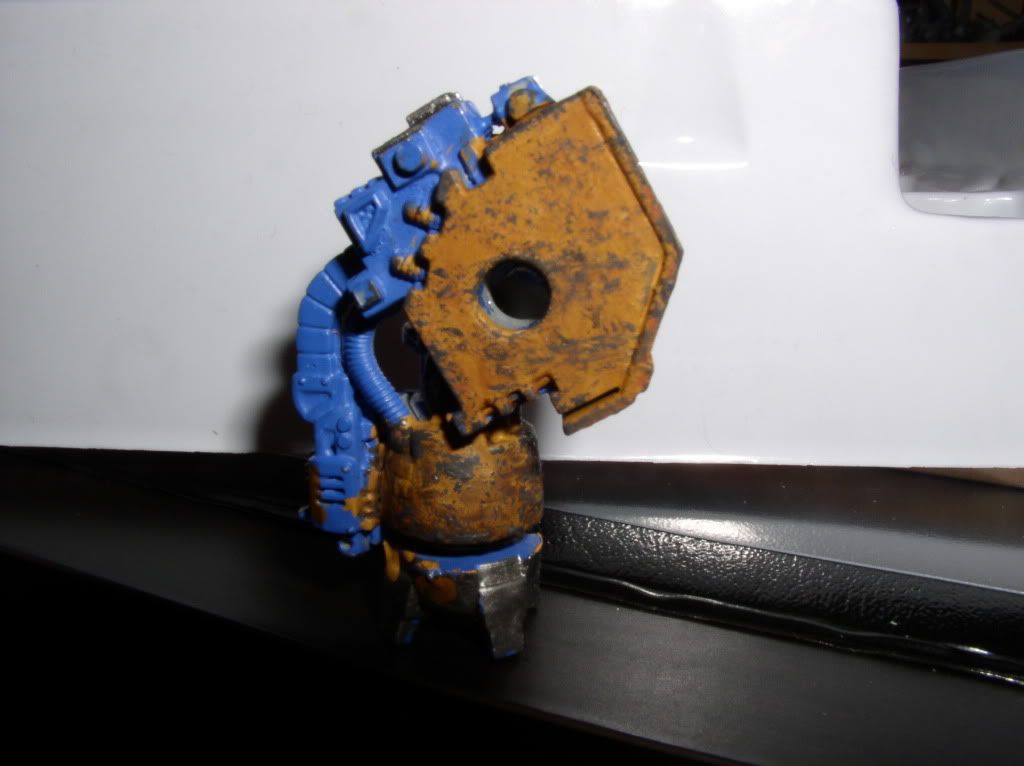
I abandoned the technique of salt to wear (I am not happened ...) but on a forum I discovered a nice technique, here are the steps and pictures of the attempt on a former arm of dread:

- Sub-layer black
- Layer taupset ochre
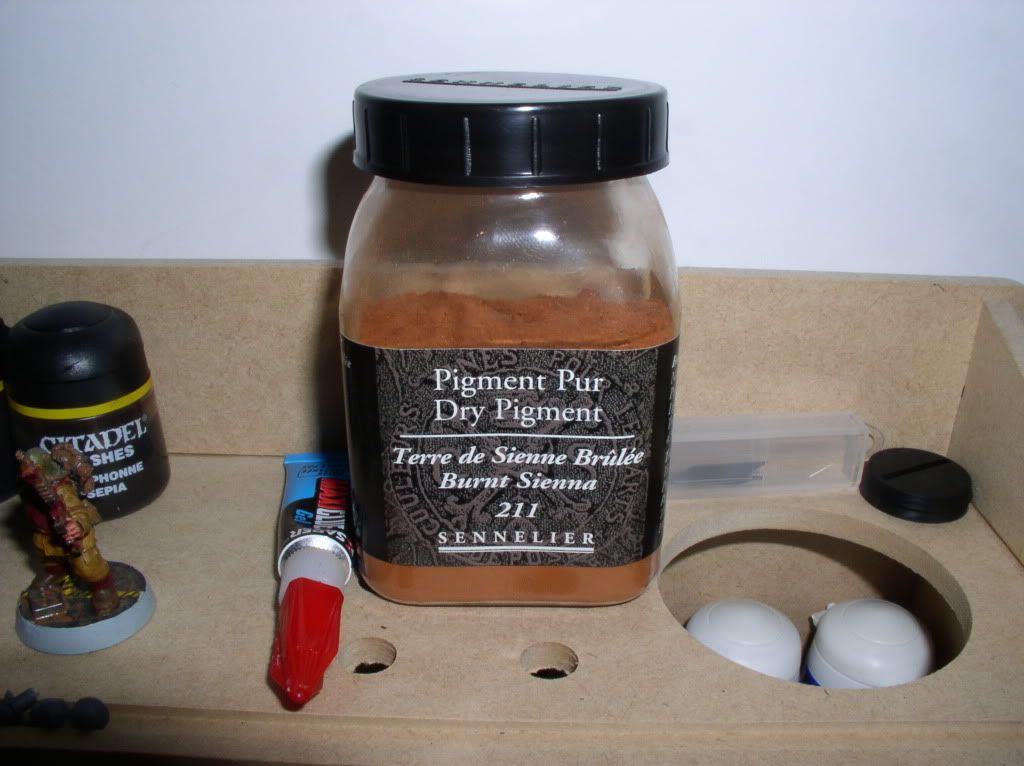
- Layer of wash gryphonne sepia
(50/50 mix of dwarf flesh and chaos black = made a little gray)
- Take the paper to protect blisters
- Tapones a corner of it
- Remove the bulk of the paint on journal paper ( for example )
- Tapones then places the desired figure (eg edges)

usure.jpg


usure1.jpg


That is:)!
 

NGArtStudios

New member
The battle damage looks great. I am quite fond of the DKoK models so thanks for posting. As far as the overall look of the army goes it\'s a good start.

My suggestions would be to water your paint down a bit more to get better, more even coverage. Also to get sharper high lights try practicing brush control so that you can achieve thinner lines for the high lights.

I am looking forward to see what you do with the Gorgon. Should look great especially if you use that battle damage technique.
 

spyko

New member
Hi;

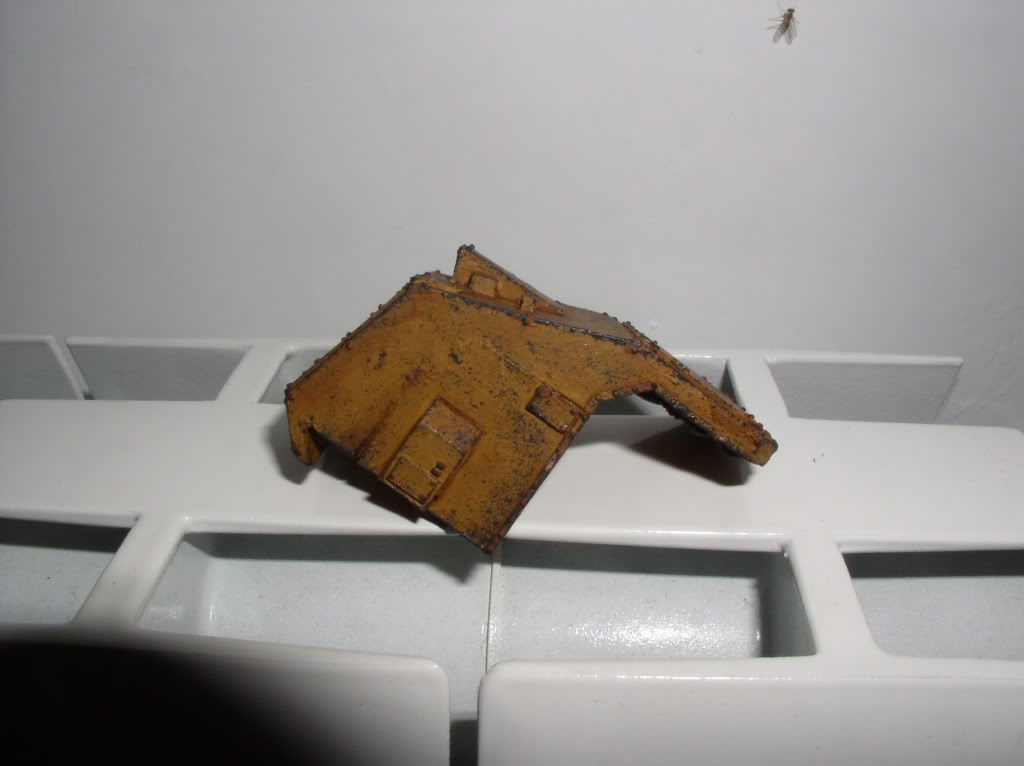
Well, I have two small photos of the progress of the Gorgon, but the aircraft crashed dry battery, so I could not even take internally cokbit, sorry it will be for next time!

cokbit1.jpg


cokbit.jpg


Thank you.
 

spyko

New member
Hi;

Sorry for the small but I had no more battery in my camera.

So now up to the photos:

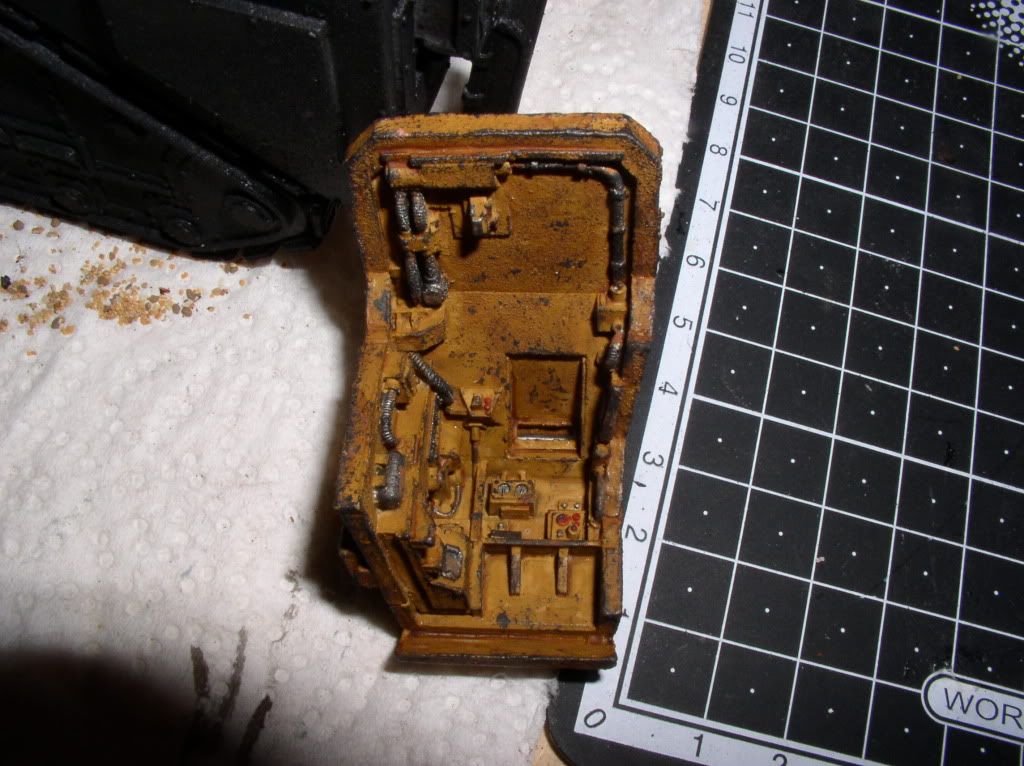
Cockpit interior Gorgone:

Cockpit2.jpg


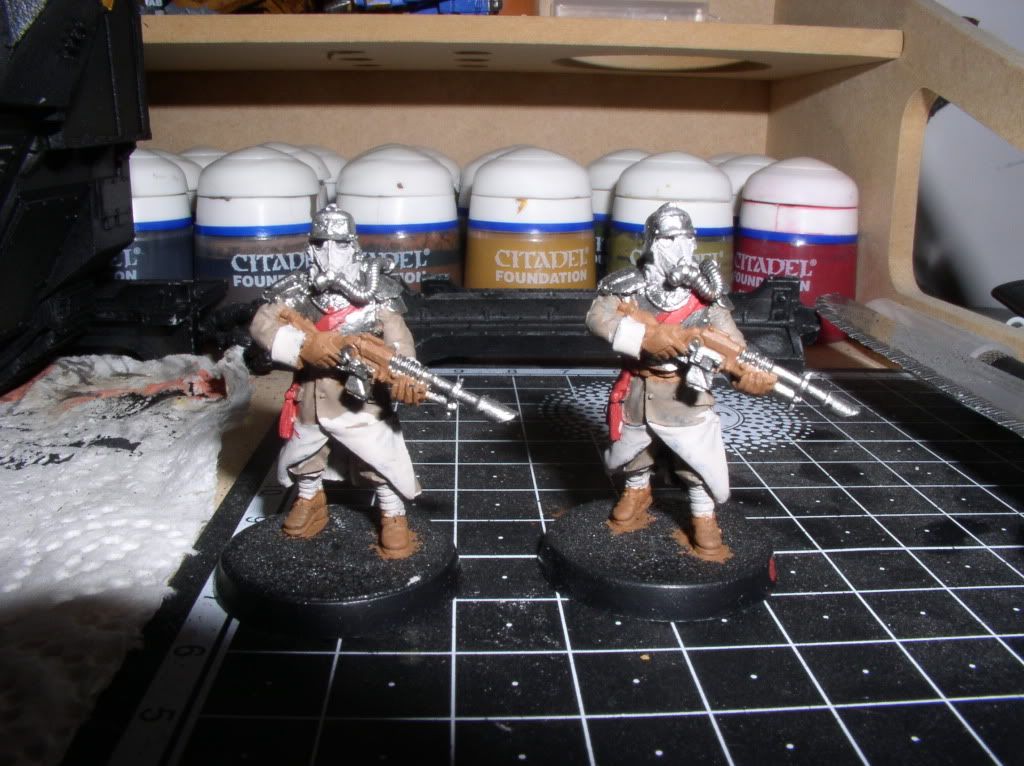
Two dkok HQ being paint:

dkokcp.jpg


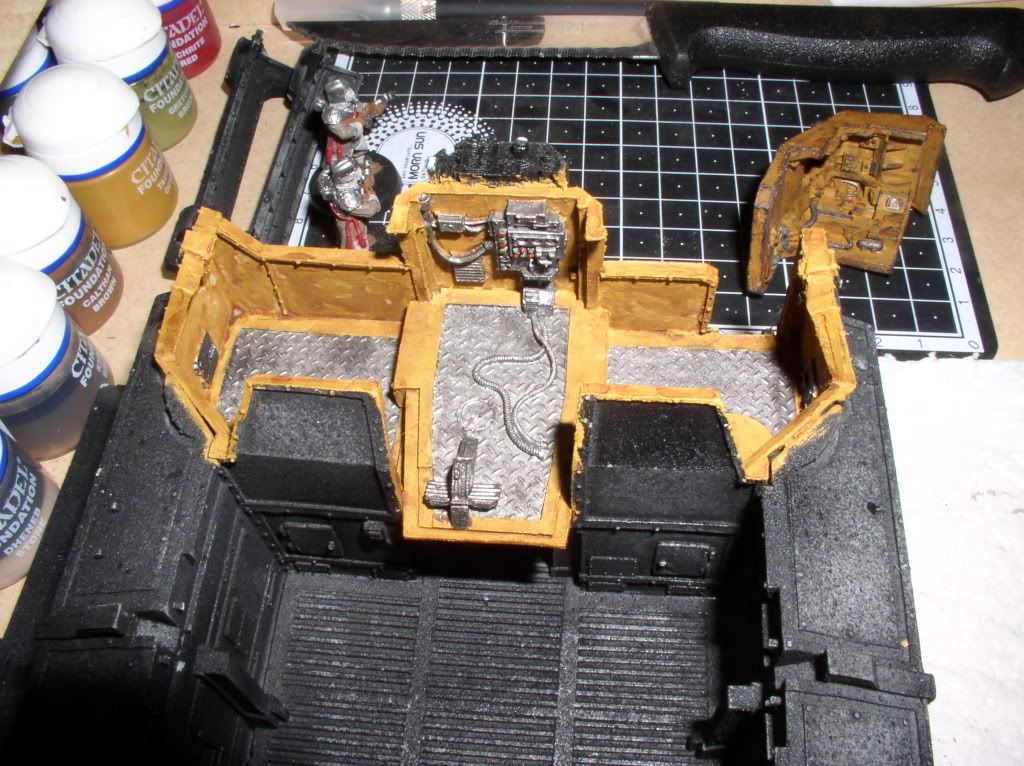
I started to paint the inside of the Gorgon, where houses the crew:

intg.jpg


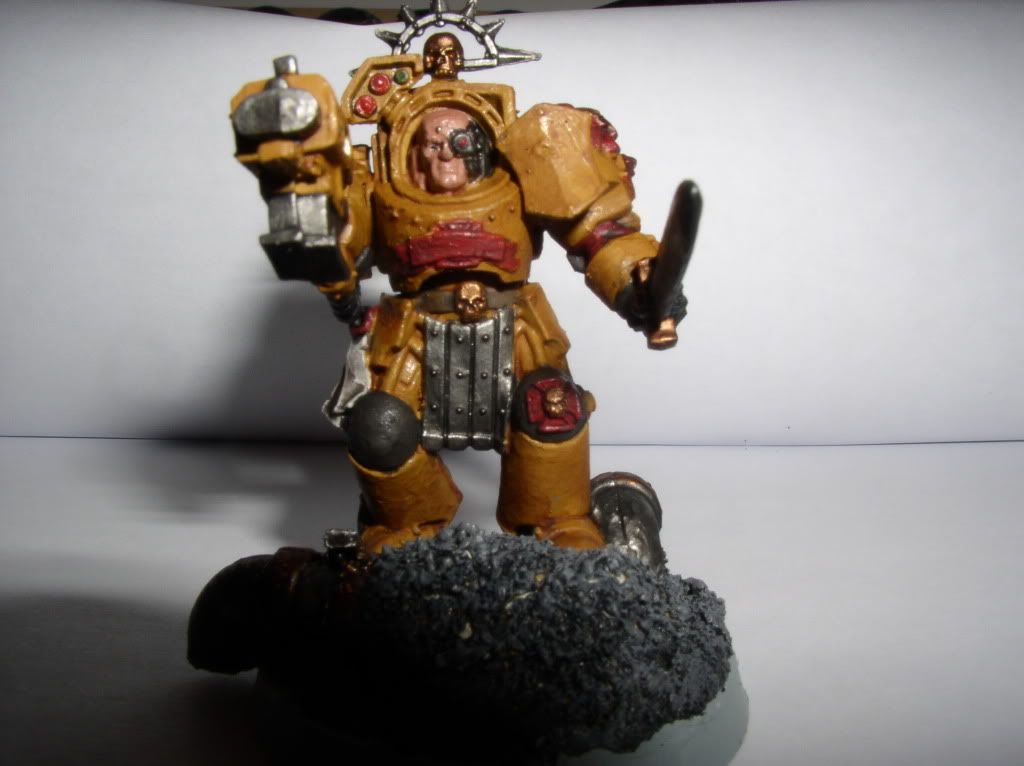
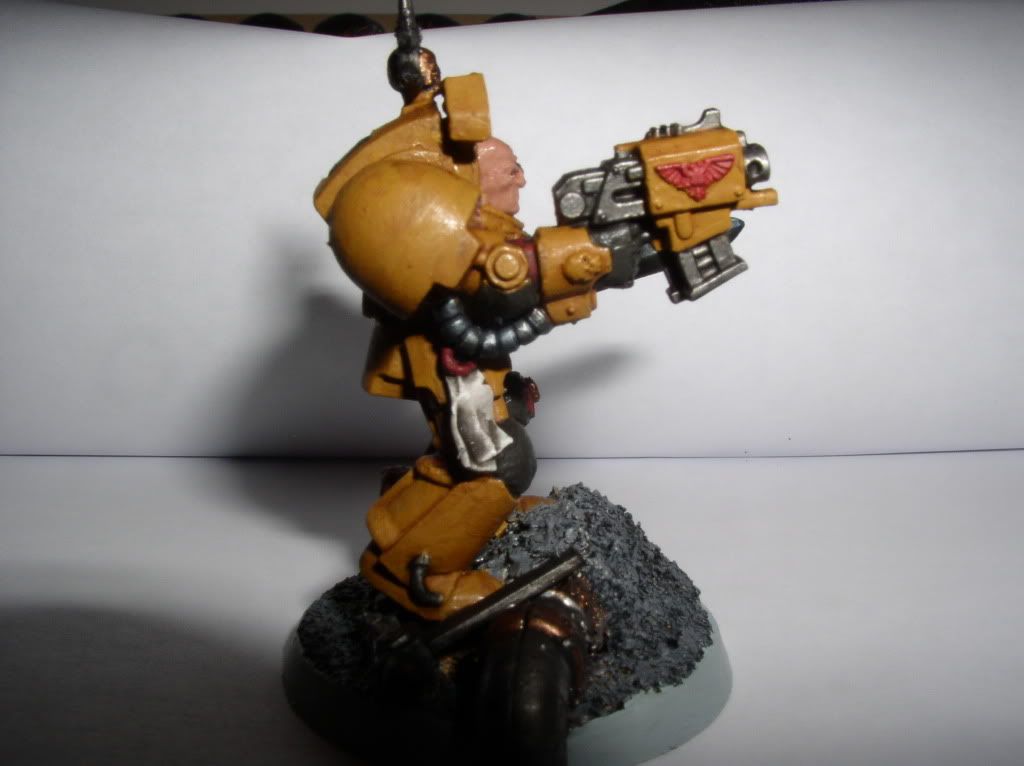
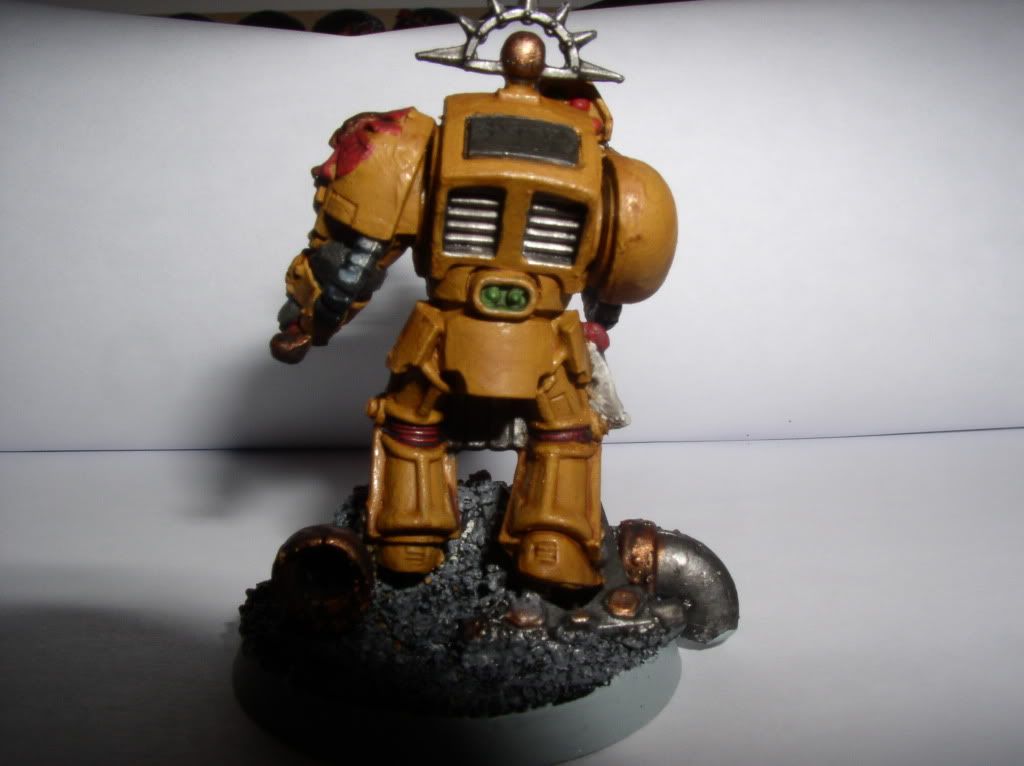
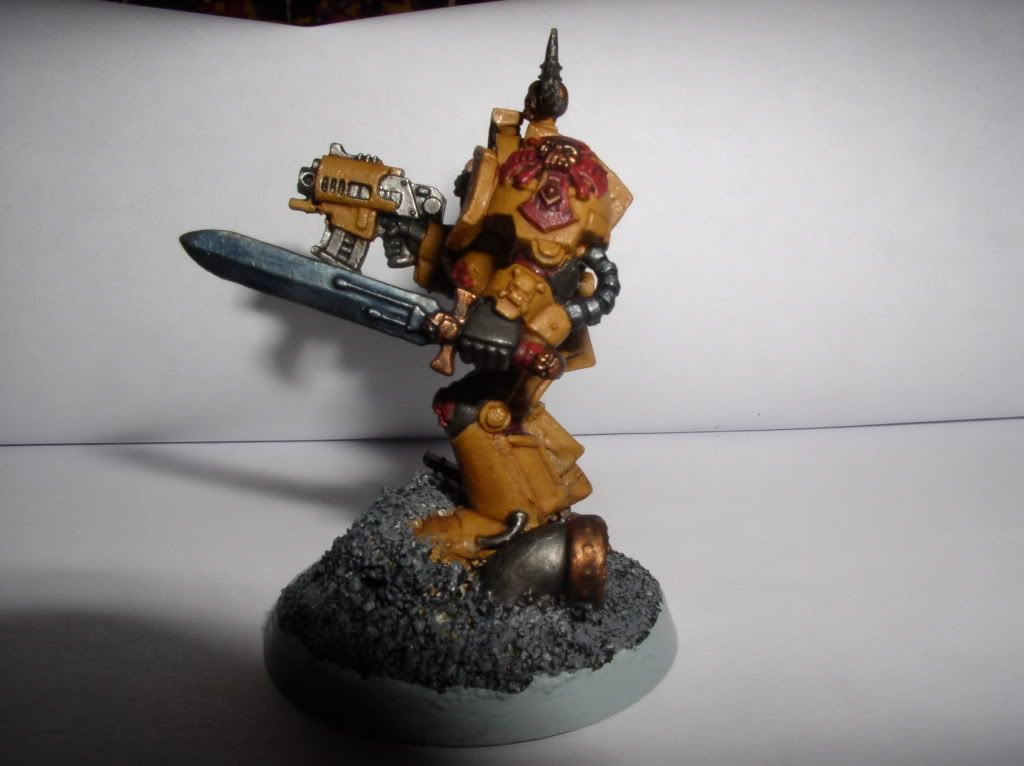
My first Space Marine (Terminator) with a new color scheme:

sm4.jpg


sm3.jpg


sm2.jpg


sm1.jpg


Thank you!
 

Ghaffasa

New member
The most obvious thing you have to do is to paint shadows. By doing this you will obtain some contrast and depth in your models. As of right now, many of them look flat.
 

spyko

New member
I my of the pigment on the damaged places, but not many.

For the contrasts, me my already of the washing, but it is not maybe rather self-important.

Thank you.
 

spyko

New member
Good evening;

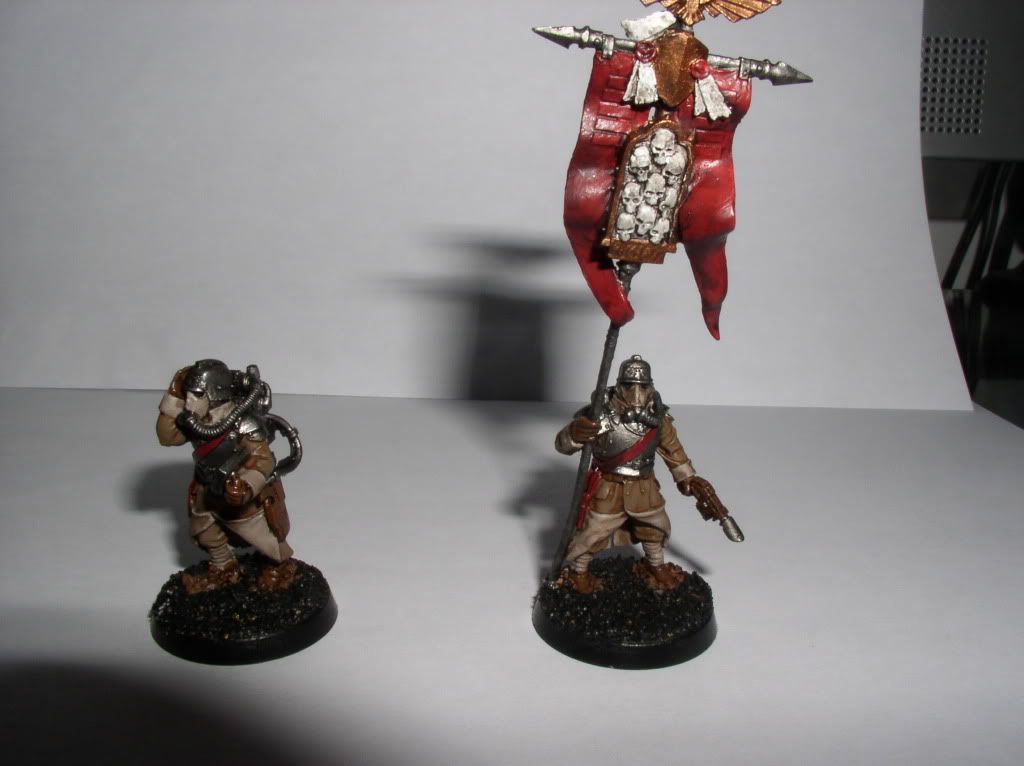
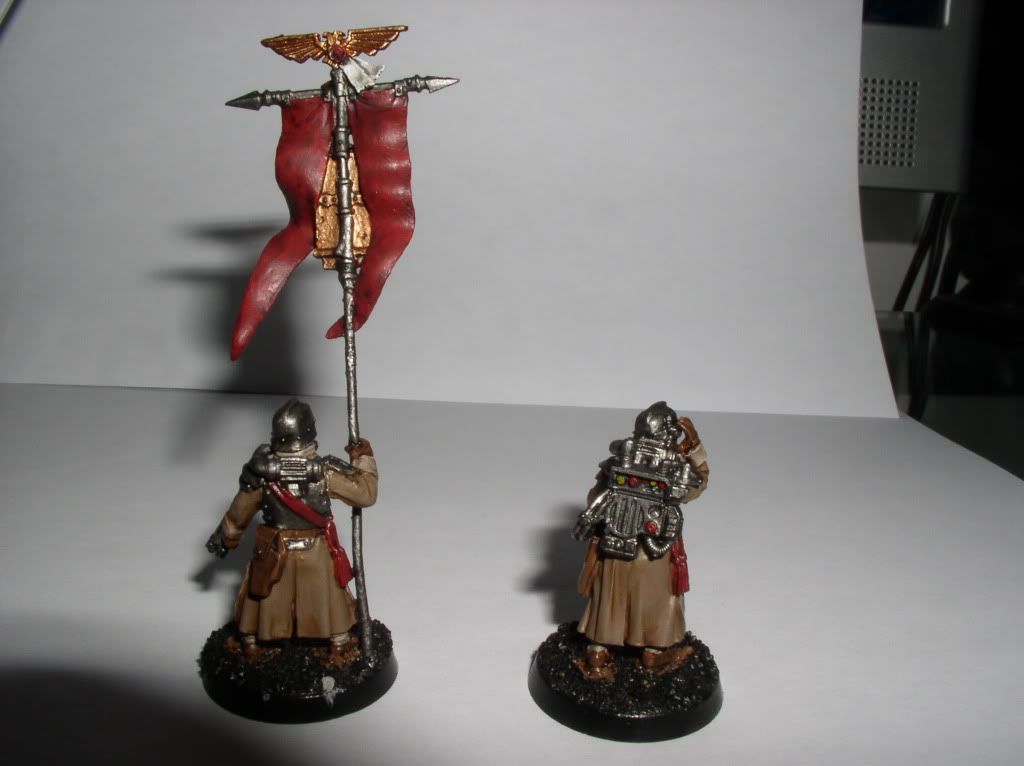
This is the second guard squad HQ:

dkokqgp2.jpg


dkokqgpd2.jpg


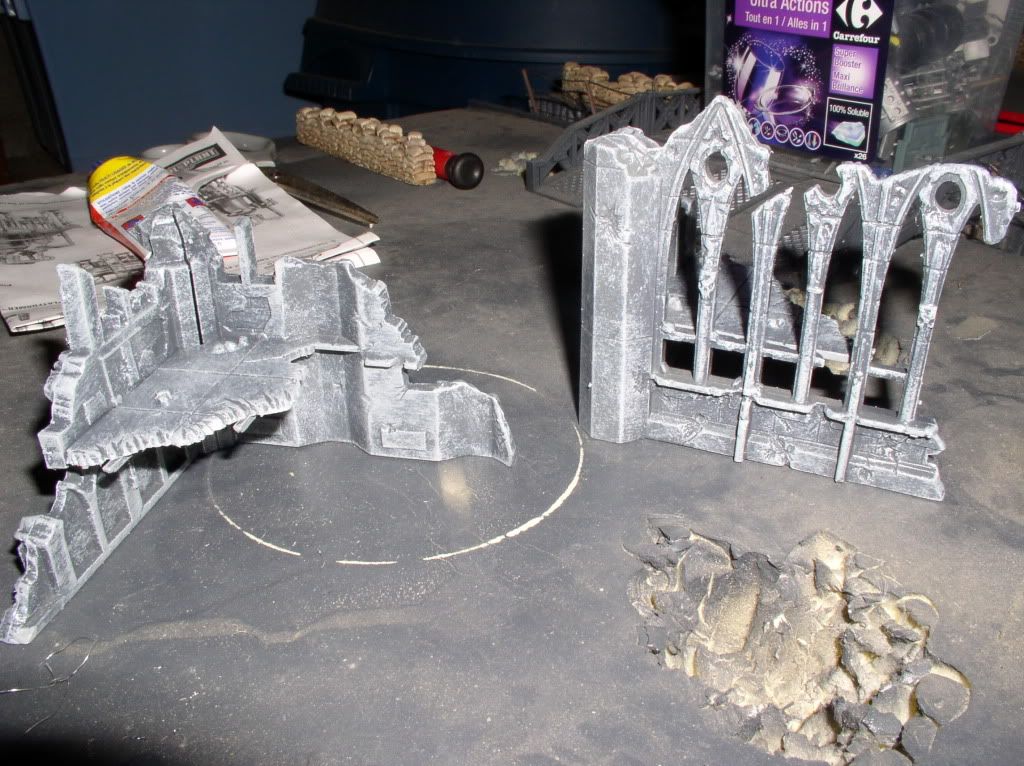
A pair of painted ruin this afternoon (in dry brush):

ruines.jpg


Thank you!
 

spyko

New member
Good evening;

Below are the last two figures of the squad dkok HQ:

dkokqgpp.jpg


dkokqgppd.jpg


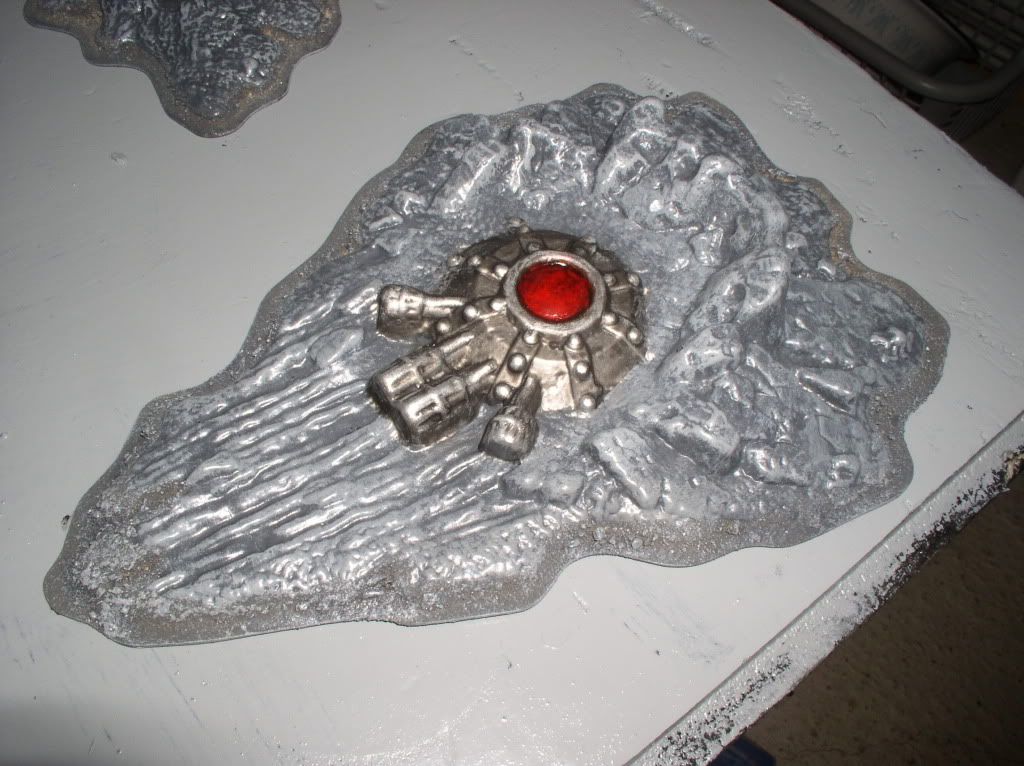
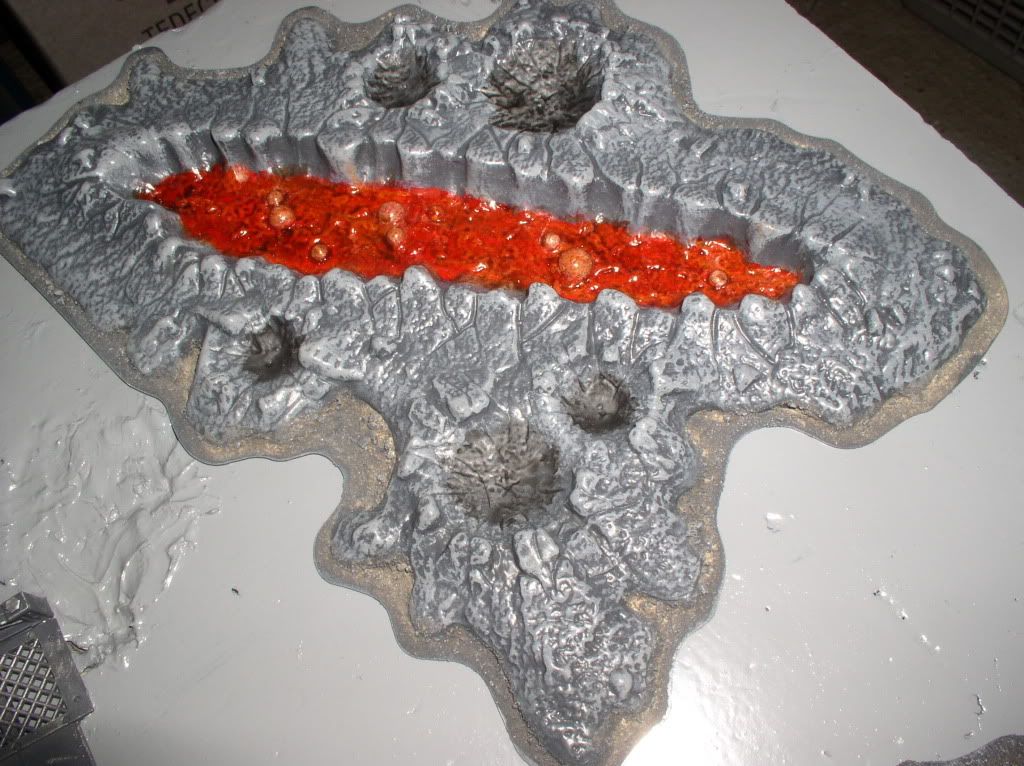
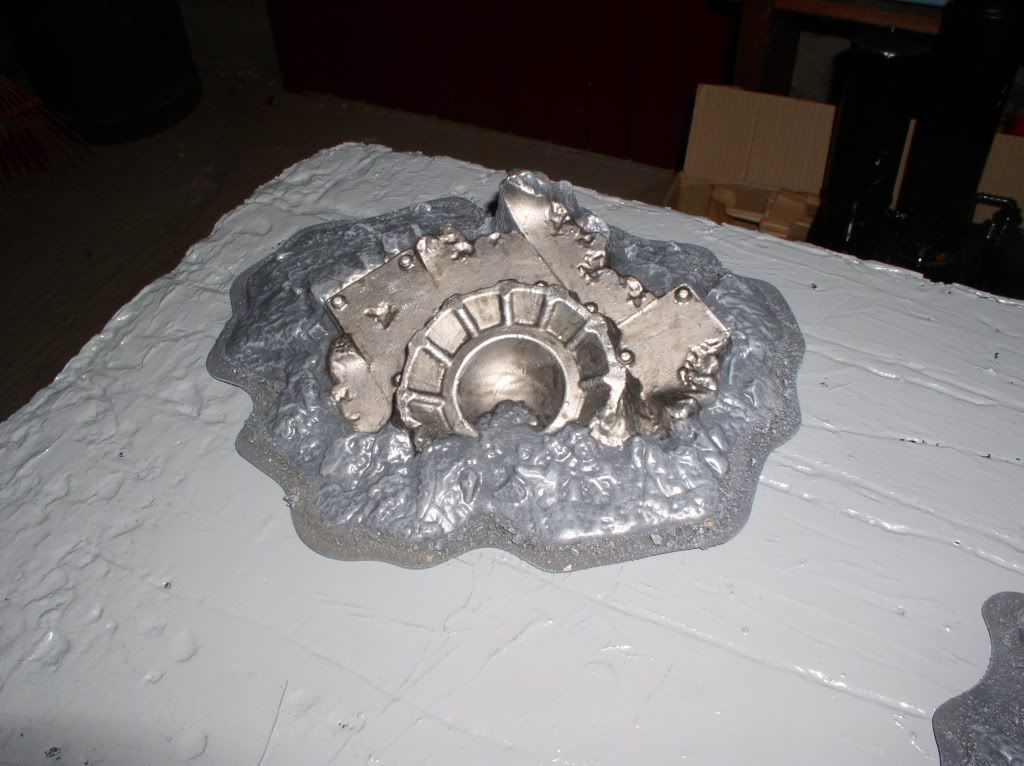
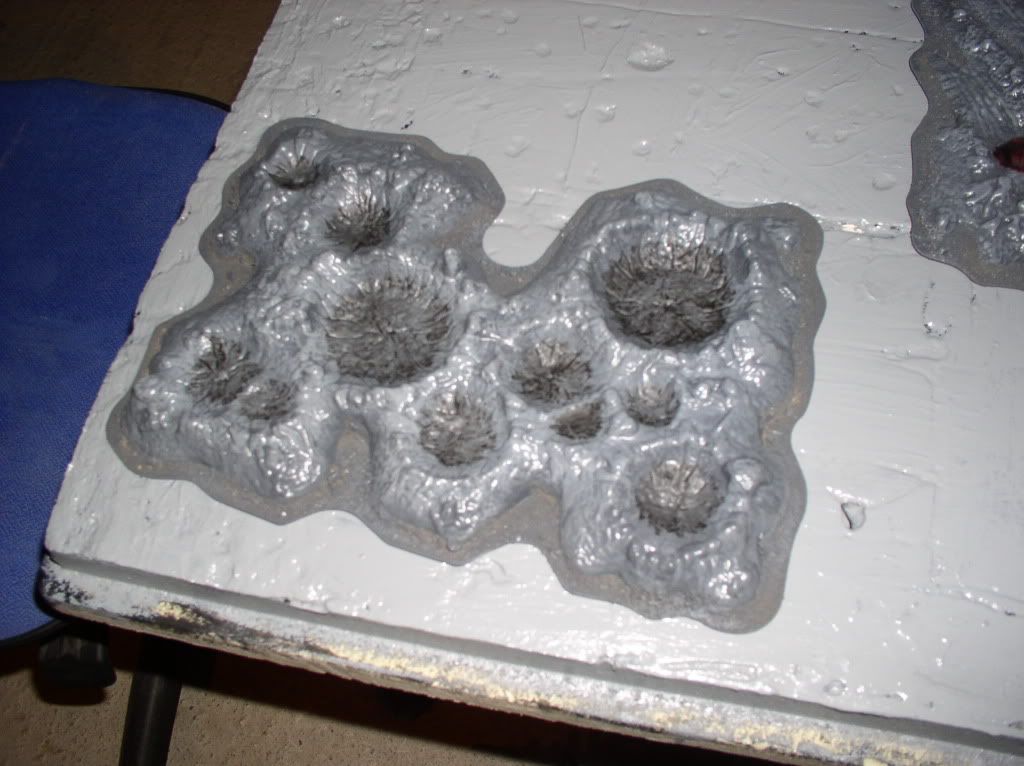
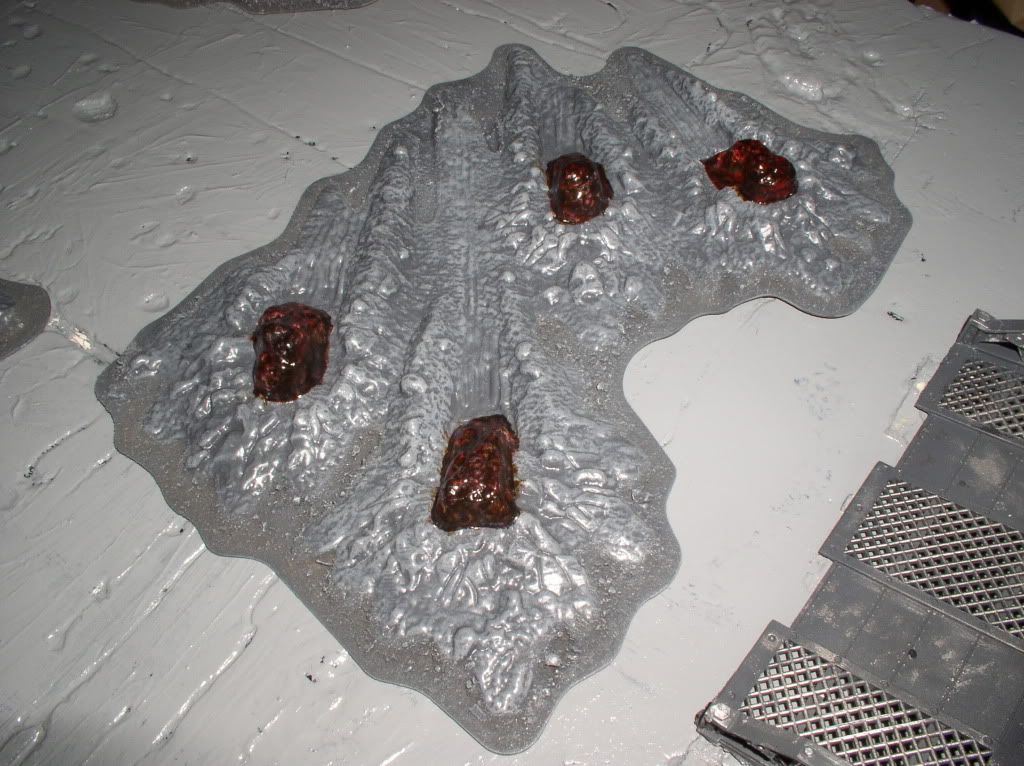
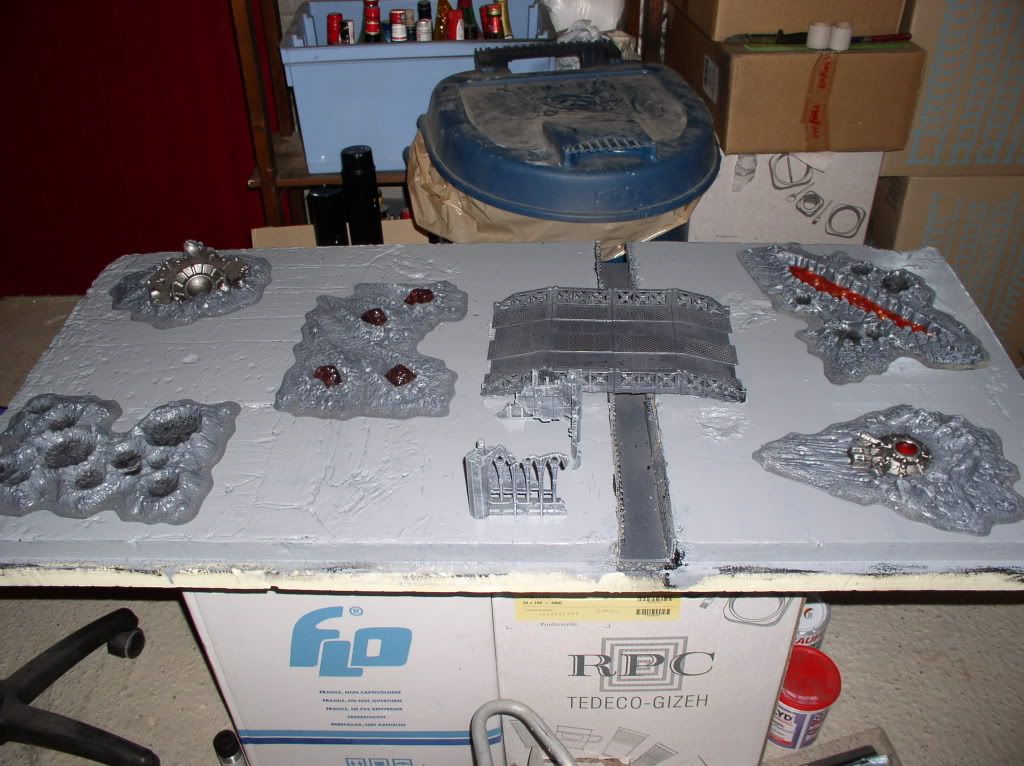
The new craters (devastated area):

cratere1.jpg


cratere2.jpg


cratere3.jpg


cratere4.jpg


cratere5.jpg


An overview (there are two other plates of polystyrene to a table set 180x120 cm):

cratereensemble.jpg


Thank you.
 

spyko

New member
Hi;

Here are my new victims:

cadiensscdp.jpg


Thank you!

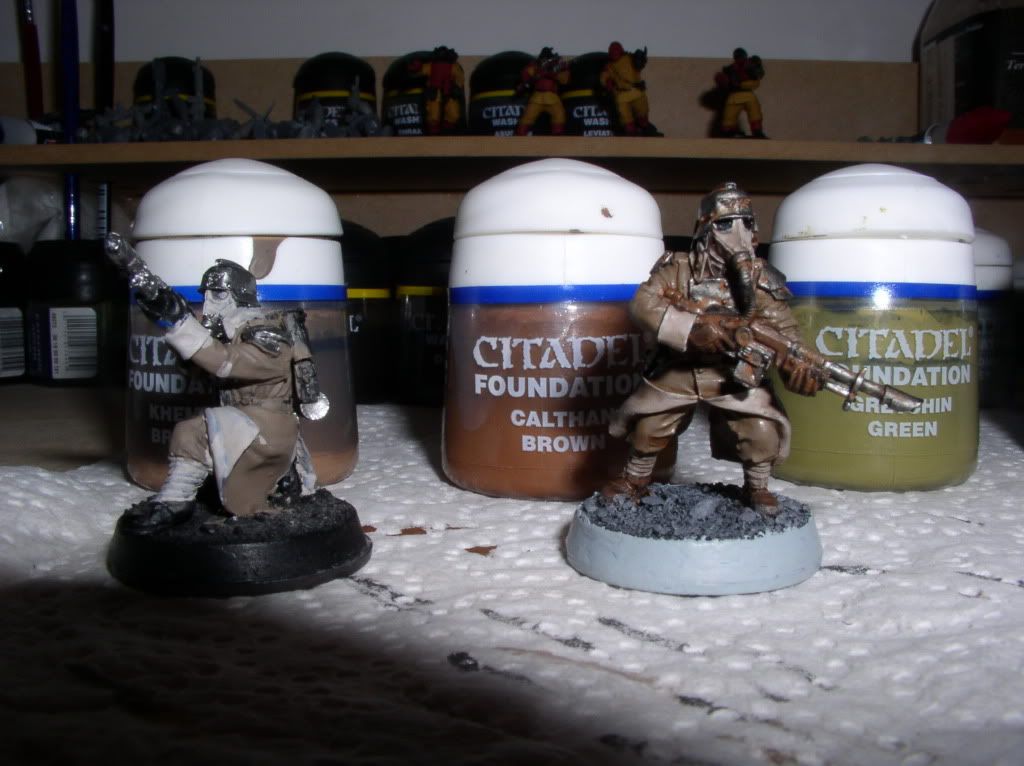
\"How do you get such a smooth wash on the coats?\" :

- Sub-layer black
- Khemri layer of brown
- Fairly light layer of sepia wash gryphon

Here ;)!
 

spyko

New member
Small video of a party game:

http://www.youtube.com/watch?v=FRZXuk5fCv0

Thank you!

The entries are in French, sorry!
 
Back To Top
Top